
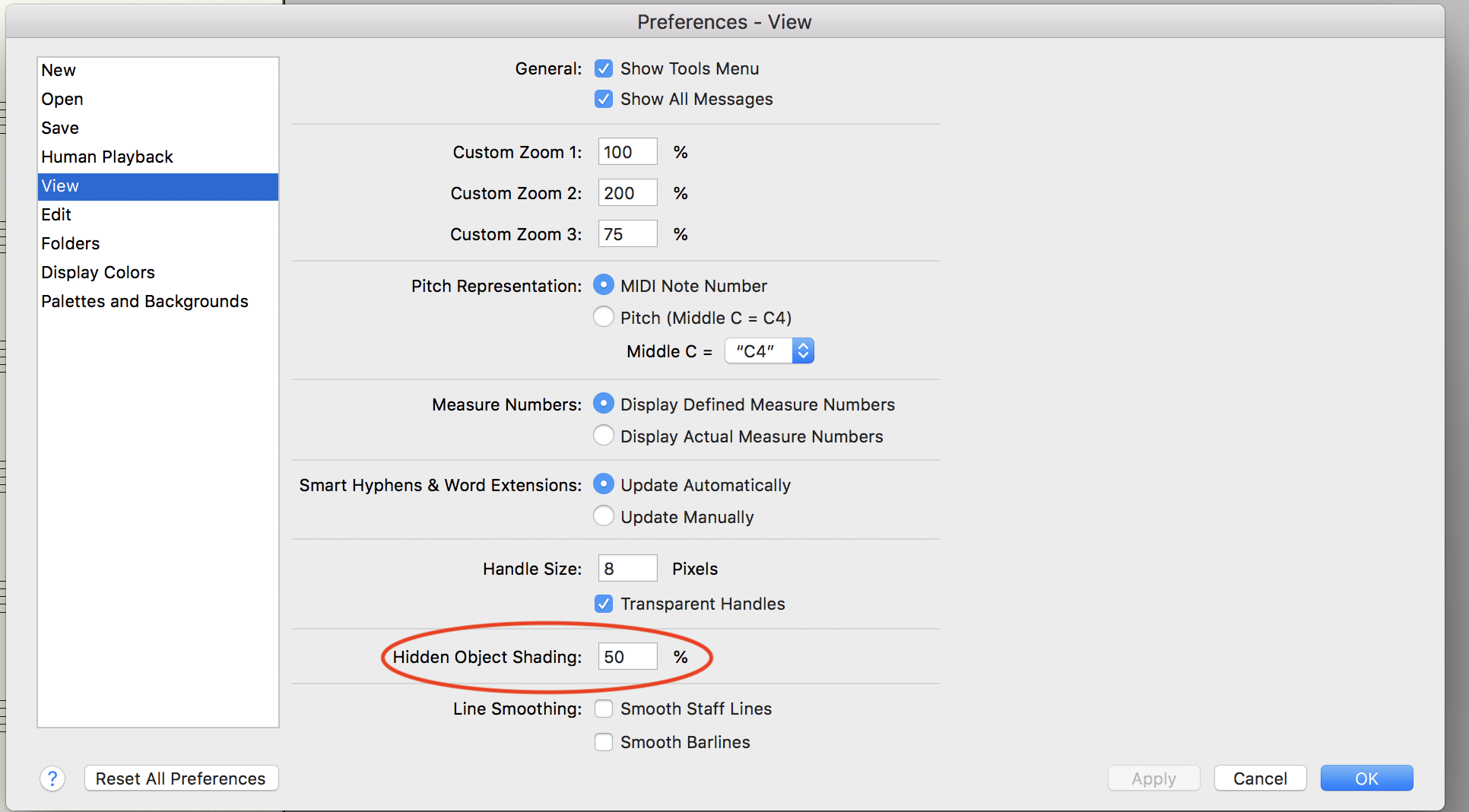
I'm on an iMac, running Mojave. Whenever I try to delete a measure number, it won't disappear. It doesn't appear in pdfs or printed copies, but remains visible in the Finale file. I've been able to delete them off the screen in all previous versions of Finale. Is this a bug in v.26?


2 comments
Date Votes