New post
Avatar
0

Hello. I would like to create a irregular glissando on my score and parts. I created the glissandi as graphics.
First question: is there a better way to do this?
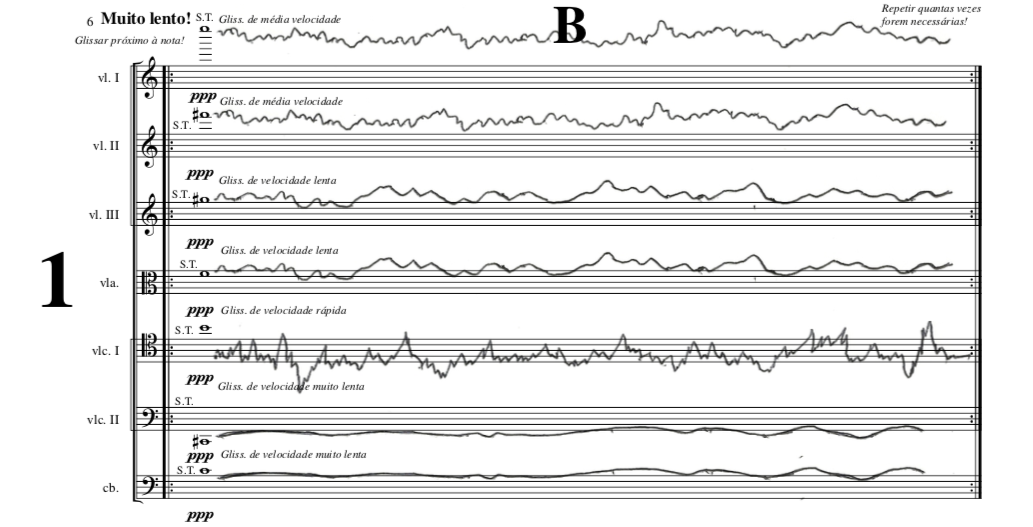
Second question: I can't place them as backgrounds or with tranparency. Is it possible? I tried 2 ways - putting them as graphics, using the Graphic Tools (strings and trombone in figure 1); and putting them as Miscellaneous Expression (voices in figure 1).

They are looking as in figure 1, but I would like them to be as in figure 2:


FIGURE 1
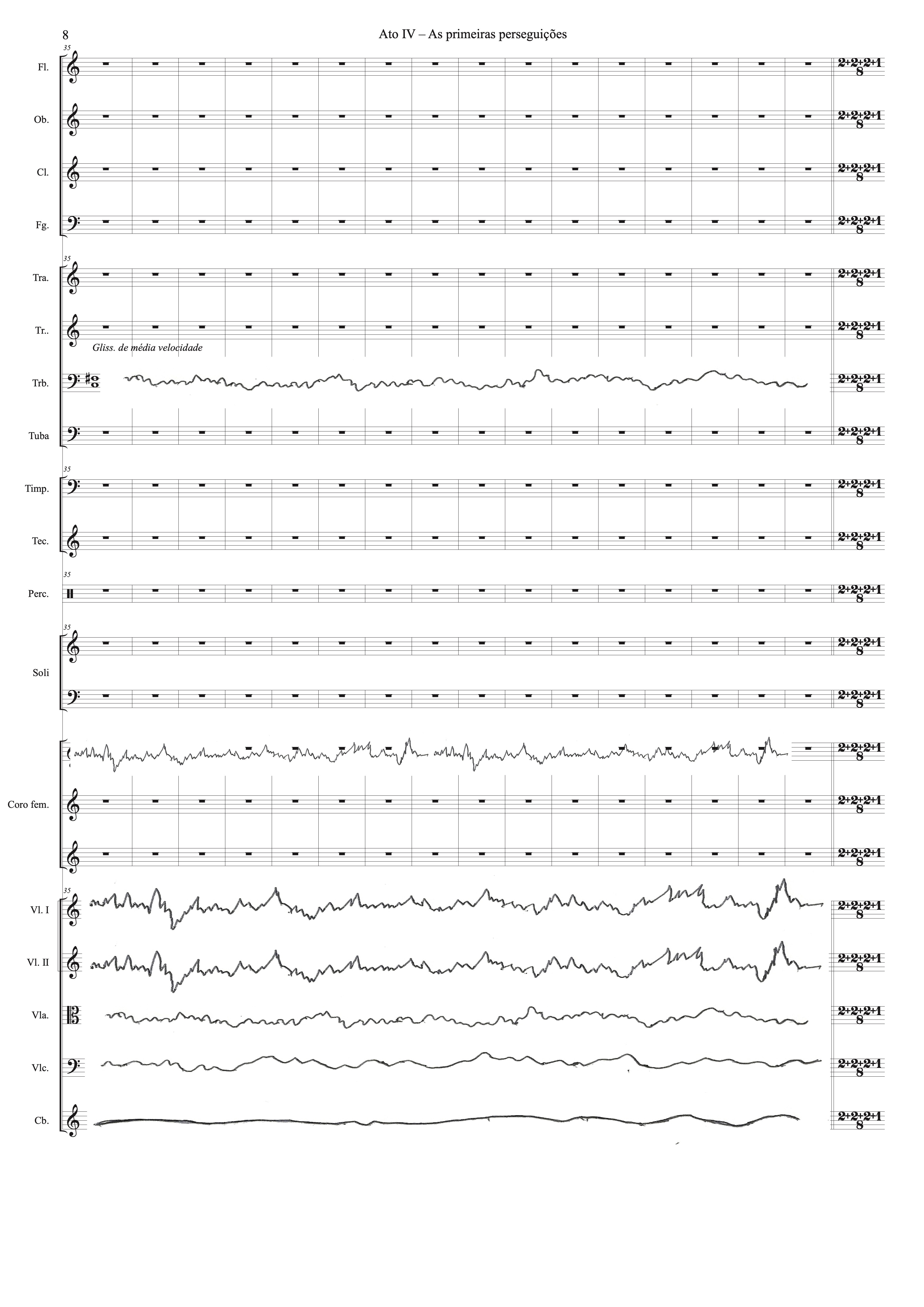
FIGURE 2:


Thanks

Operanting system - MacOS Mojave - Version 10.14.2
Software Finale Version 25.5.0.259


1 comment

Date Votes
Avatar
0

1) You can create the glissando shapes in Finale’s internal drawing environment, the so called Shape Designer.


You can attach the shapes as shape expressions.

If you - in the Expression Designer - leave the check box “Allow Horizontal Stretching” selected, then the shape will stretch/shrink with the measure.


How to get to the Shape Designer:

From the Expression Designer, select Shape, and click “Create…”.


2) Another way:

Do not add the glissando shapes in the Finale document.

Instead, export as a PDF file, and edit the PDF in a vector graphics editor, also known as a “drawing program” (= Illustrator, Inkscape, or …)

Comment actions Permalink

Please sign in to leave a comment.