in Fin 26 does it exist a corresponding function to "Remove Staff System Optimization"?
thanks


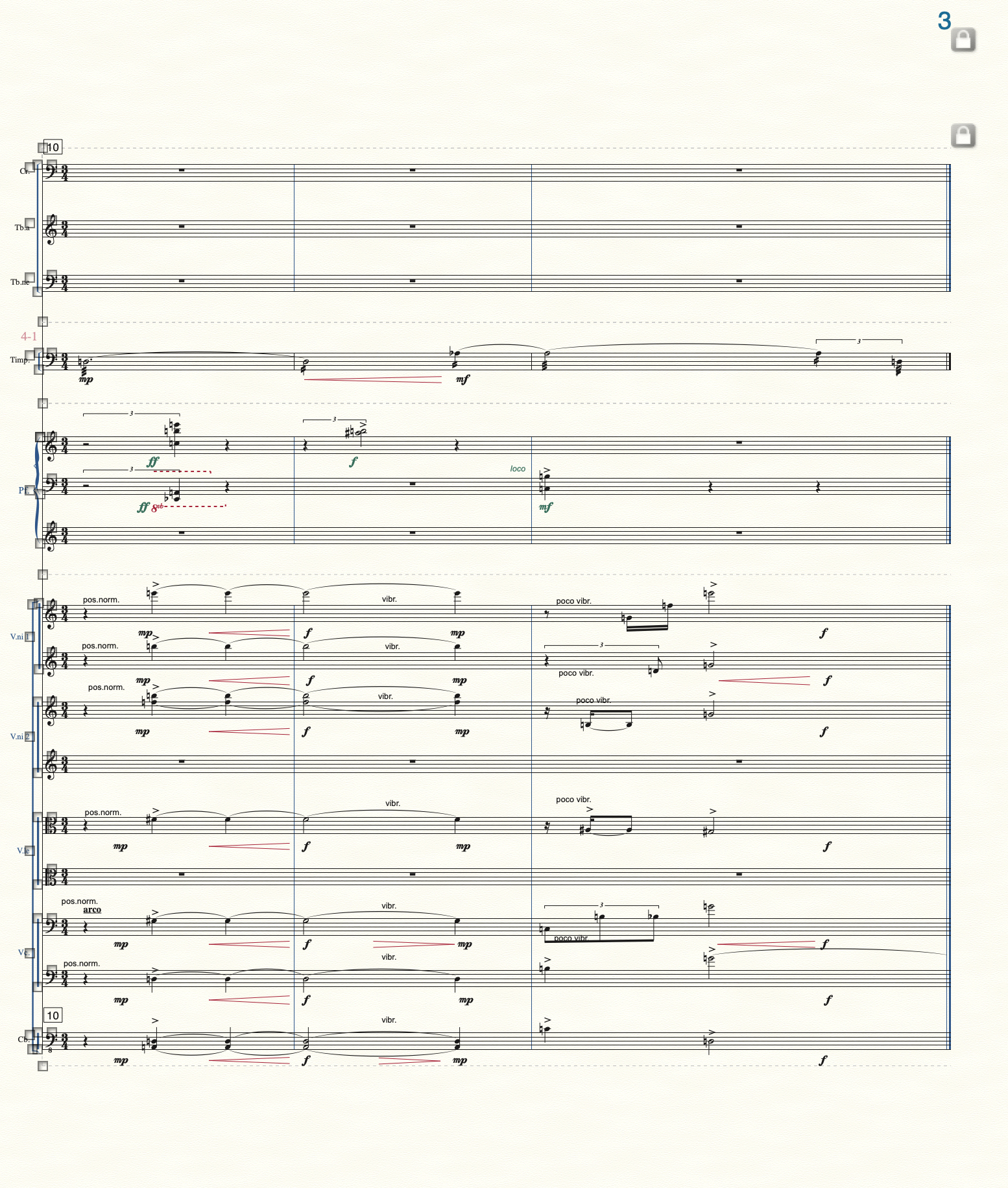
… if you hide empty staves made by staff styles, it doesn't work …
Alessandro Melchiorre,
If you view the document in Scroll View, you can see the hidden staves/measures.
You can remove staff styles in Scroll View.
In the Staff menu you have the options
Show Staff Styles
and
Show Staff Style Names
actually I solved by asking Finale official support...
"
In order to fix this, we first need to refresh the document. Please follow these steps to perform an XML conversion:
*Note: this process will not alter, erase, or otherwise affect the current version of your document; this will create a new instance of the document
In the newly created Finale document, you may need to make some changes and remake some edits. Two of these things you normally have to do are:
Next, highlight the score and select the Staff Tool. Choose Show Empty Staves from within the Staff menu.
This should take care of this problem for you.
Please let me know if you have any other questions about this!
John H. | Customer Success Representative | MakeMusic, Inc."
Please sign in to leave a comment.
9 comments
Date Votes