When using Simple Entry, what is the fastest way to enter articulations? I read the Finale
help menu, but I am not sure what number pad with * means. What is the trick?


Using the * key is a shortcut to switch to the Articulation tool. Then, you can use the various Metatools to enter the articulations, either by clicking or drag-select. Metatools are the letters or numbers shown in the upper right corner of the various articulations. For example, you can hold the S key and click on a note to enter a staccato, or the A to enter an accent.
Are there no staff lines in your doc? Or is that what happened?
Why are you using the control key?
Hit the * to enter the Articulation tool. If you want an accent, hold down the A key, and click on the note. If you want a staccato, hold down the S key and click on a note. If you want accents on a group of notes, hold down the A key and drag-select the notes. And so forth.
There should be videos in the help menu.
I found this on Finale help page under Sticky Articulations: Sticky articulations allow you to save time by simultaneously entering both articulations and notes when using the Simple Entry tool. To add a sticky articulation to the caret and mouse cursor, press CTRL+numpad * or CTRL+ALT+SHIFT+A and choose one of these options
Yes, that is what happened to my score, but now that I only pressed the * key, the staves did not vanish.
My videos don't work on my V26. That's another issue.........Thank you!
I’ve never used the sticky articulations; just the metatool method of adding them after the notes are in place. It seems to me that the sticky method doesn’t save an appreciable amount of time, and might even take longer if you forget to dismiss the articulation before entering notes without them. But that would be up to you!
Please sign in to leave a comment.
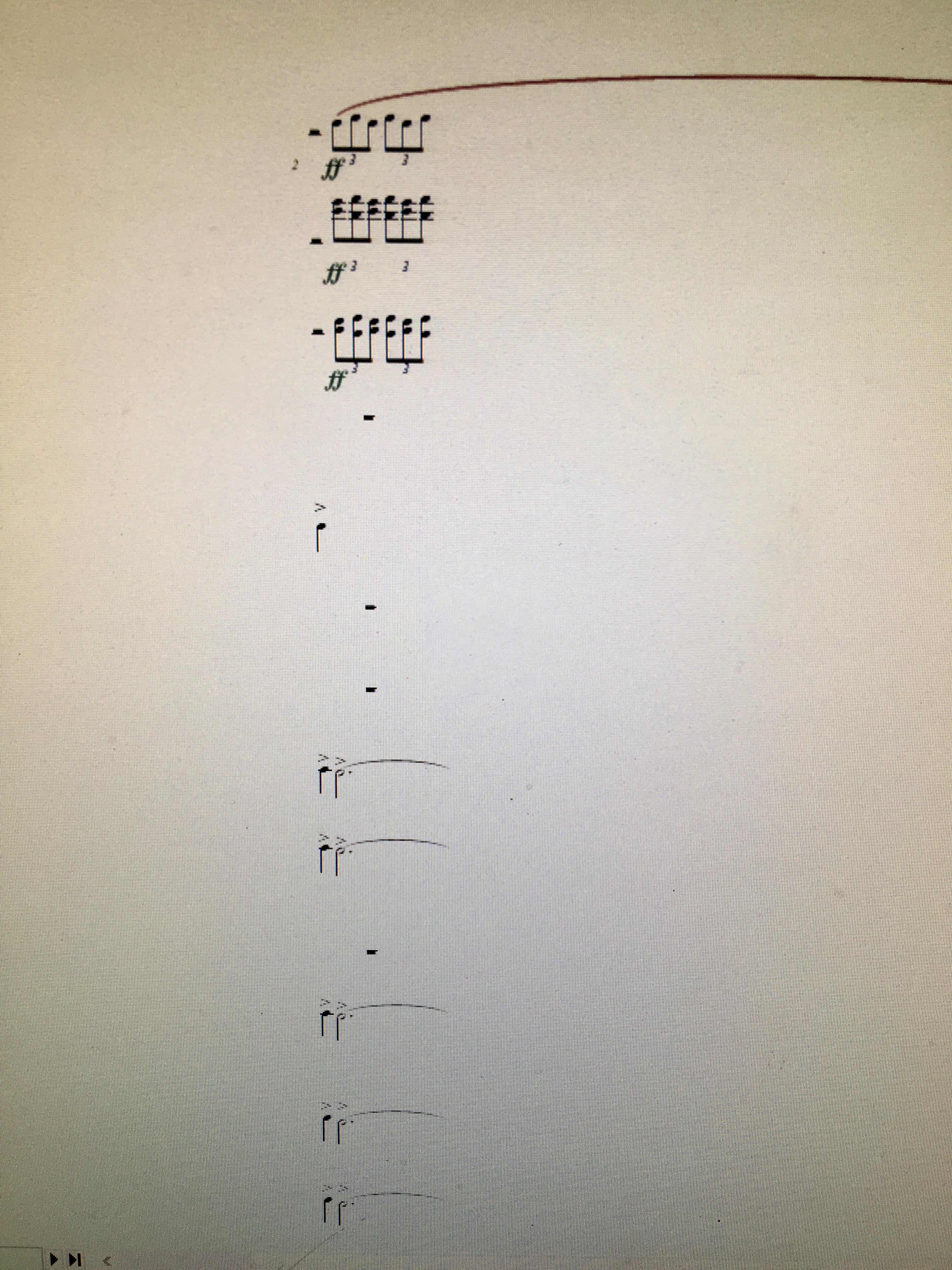 staff, I got the attached picture.
5 comments
Date Votes