Thanks,


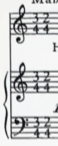
It Would Be Nice If we could see, what comes after the displayed time signatures.
Usually the displayed time signature layout does not mean that the two time signatures are playing simultaneously, but rather that the time signatures are following each other in a repeated pattern: 3/4 - 2/4 - 3/4 - 2/4 - …
In the Time Signature Tool you can set both a “real” time signature and a “display” time signature:
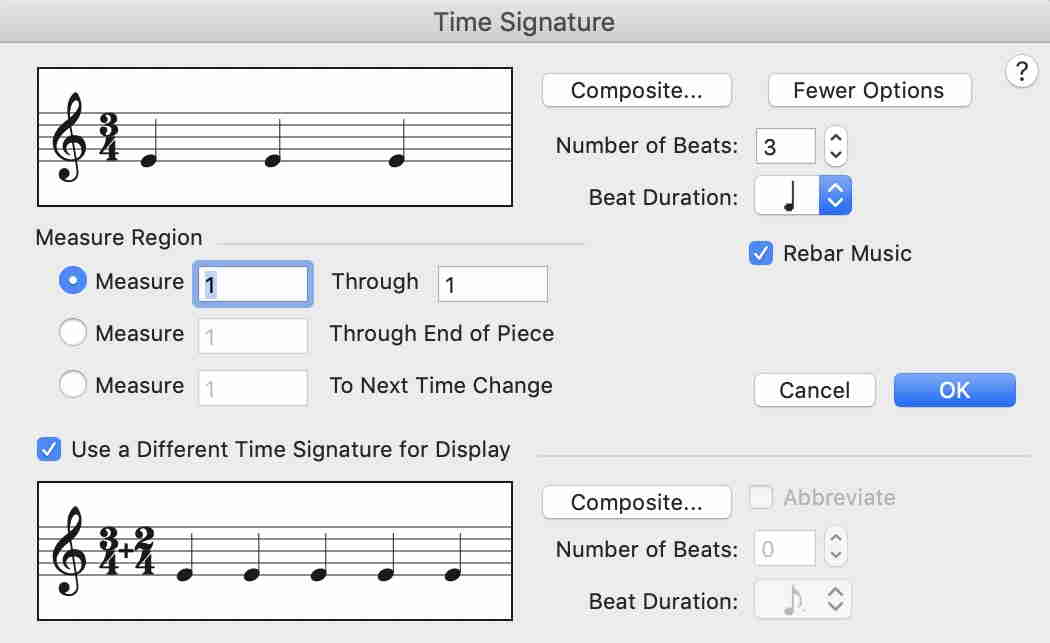
To get rid of the time signature plus sign, replace the Composite Time Signature Plus Sign Character with an empty character (e. g. character #202, or #32).
This is done in Document Options - Time Signatures.
Please sign in to leave a comment.
4 comments
Date Votes