New post
Avatar
0

good morning . I tried to do it by my self but whitout result.

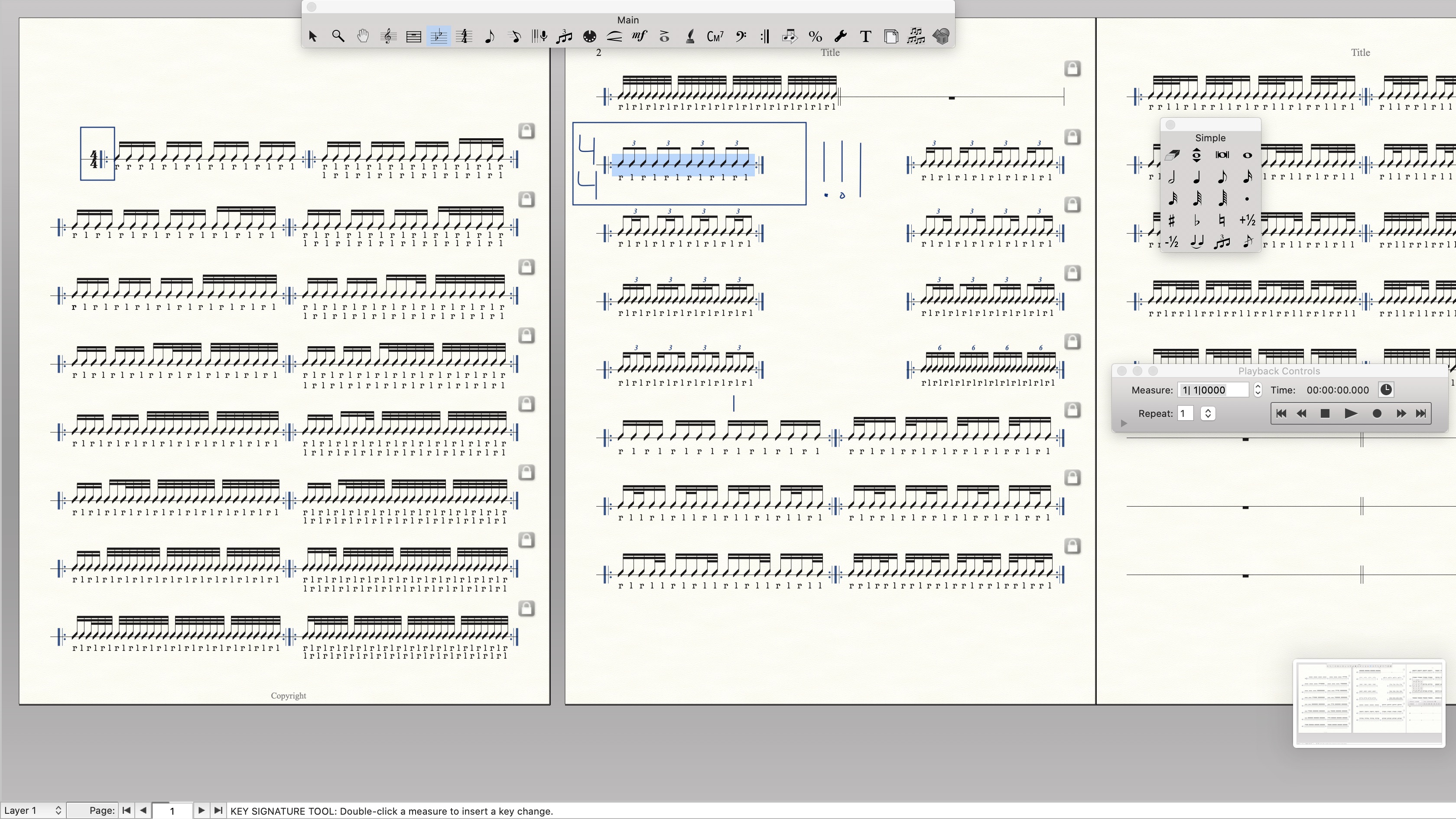
i wuold like to know if is possible to see the time signature where you want and not just to the first bar. 

like in the picture, in that case I need to see the "4/4" in the first bar and even where I wrote the triplets in the second page.

I hope that my question is quite clear.

thank you very much
 

3 comments

Date Votes
Avatar
0

here is the picture ..sorry

Comment actions Permalink
Avatar
1

Measure Tool.

Select the measure and double-click on it.

Time Signature -> Always show.

Comment actions Permalink
Avatar
0

… but, when you force show the time signature in the first measure of a system, you may experience that the last measure of the previous system will display a cautionary time signature. To hide that cautionary time signature:

Measure Tool.

Double-click the last measure of the previous system.

In the Measure Attributes, select the option {Hide Cautionary Clefs, Key and Time Signatures}.

Comment actions Permalink

Please sign in to leave a comment.