

Windows 10, Finale 26
Perhaps there is an easy/simple solution to this that I overlooked?
So, I would like to move only the top system on each page down.
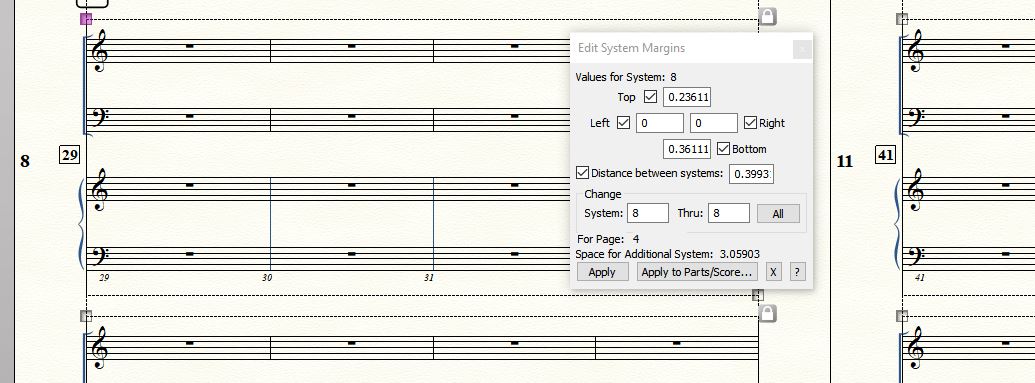
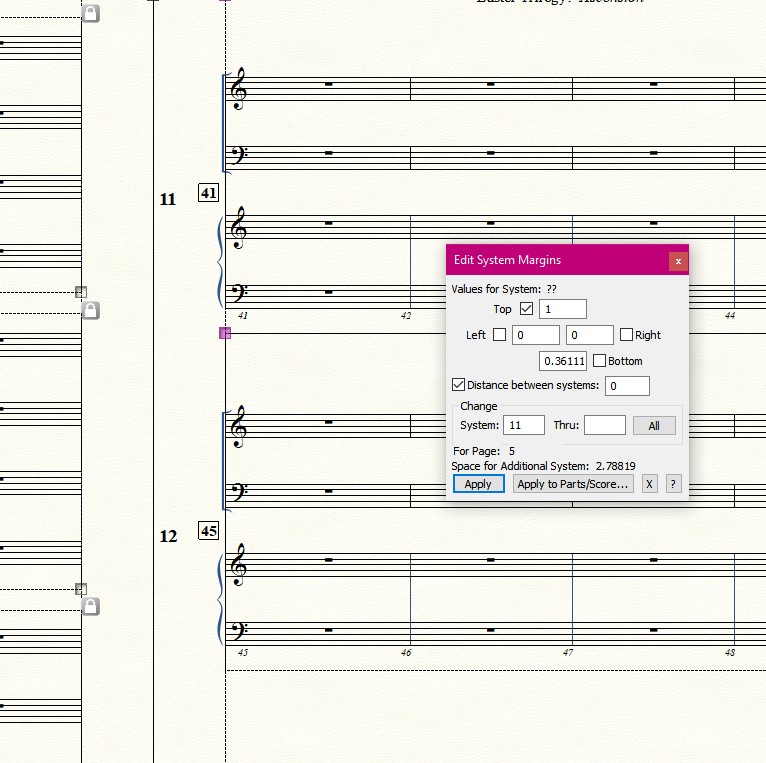
When I open the "Edit System Margins" box I see that I can select a system or a range of systems, but not just the top system for each pages.
In this score I have three systems per page. Starting on page two, I wish to move systems 2, 5, 8, 11, 14, etc. down.
From what I can see, I can do that in the "Edit System Margins" box one at a time, but not all at once.
In this example, I checked "Distance between systems:" with a value of .4 (it renders to 0.3993) which effectively moved the top system down, and nudged down the other two systems.
Thank you!
:-)
Vanessa



13 comments
Date Votes