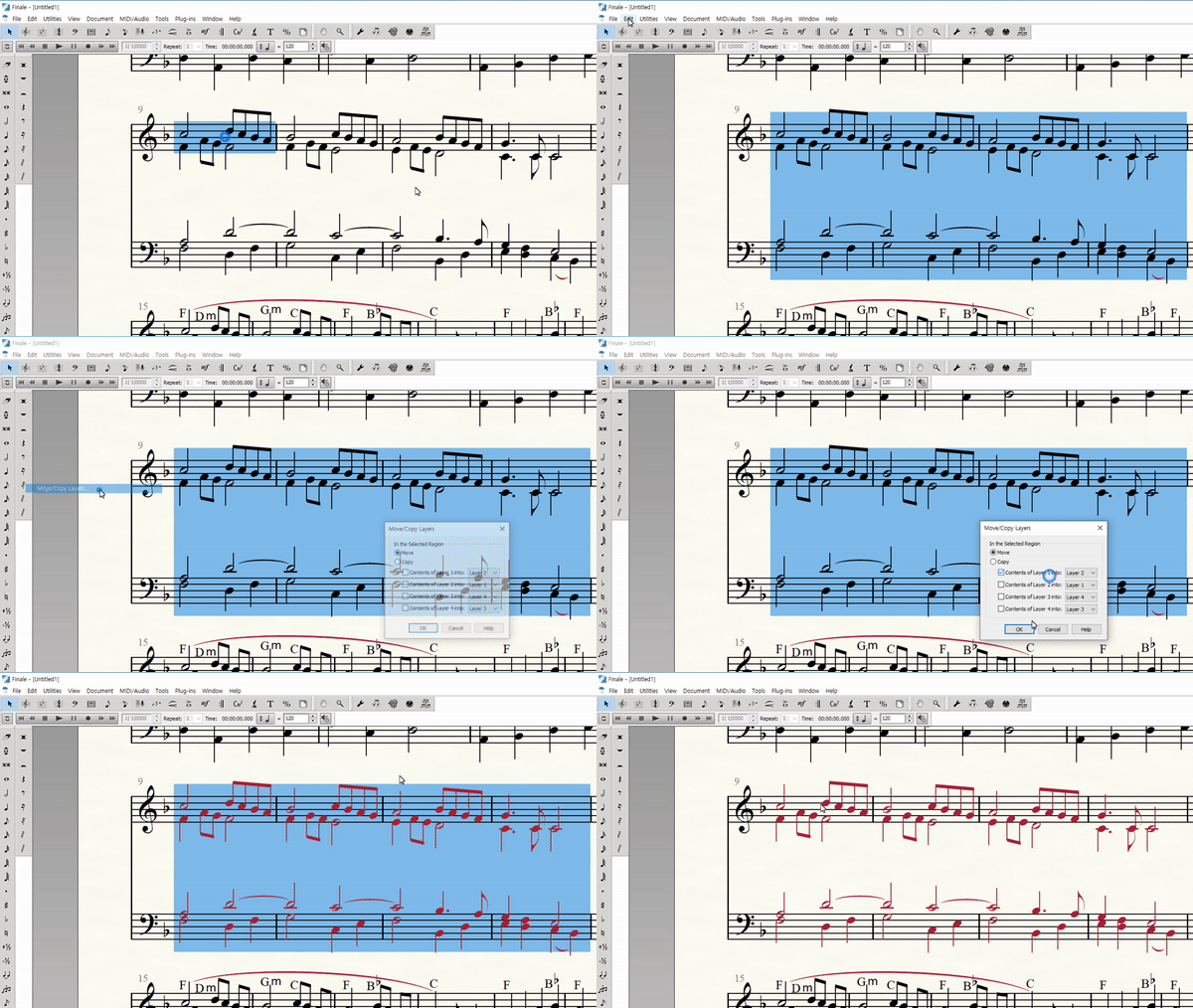
How can put notes of different lengths on the same layer? like this GIF?
this finale is 26.3 version.
Is anyone know this?


The only way I can think of would be by using Speedy Entry voices, not layers.
Why do you want to do this? Remember, even when you have layers one and two, appearing in black and red, it will print in all black. Or, you could change the display color of layer two, to black.
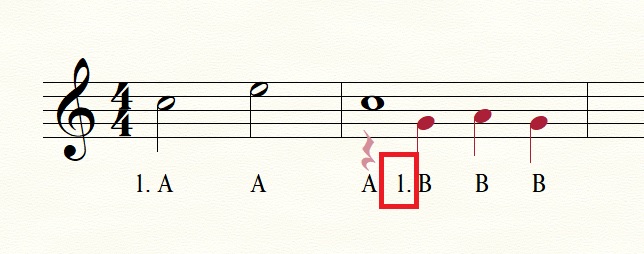
Assuming that there is a mix of layer 1 and layer 2, there is a problem when auto numbering is used in the part where the lyrics assigned to layer 1 lead to layer 2.
In the part that changes from layer 1 to 2, auto numbering of layer 2 is applied and the number of lyric appears in the middle of the lyrics.
Please sign in to leave a comment.
4 comments
Date Votes