New post
Avatar
0

Weird things happen with the Coda word and Coda sign as well as

repeat sign ending brackets when editing parts. They are appearing off

the page or on the wrong page and no where close to where they should be

on the music. Is there a fix to these issues?


Windows 10.5

Finale 26.2.2

13 comments

Date Votes
Avatar
0

I think we need more information.


How did you enter the Coda and symbol?

Can you post screenshots that illustrate the issue?

Comment actions Permalink
Avatar
0

I used the repeat tool to enter the Coda and symbol. 

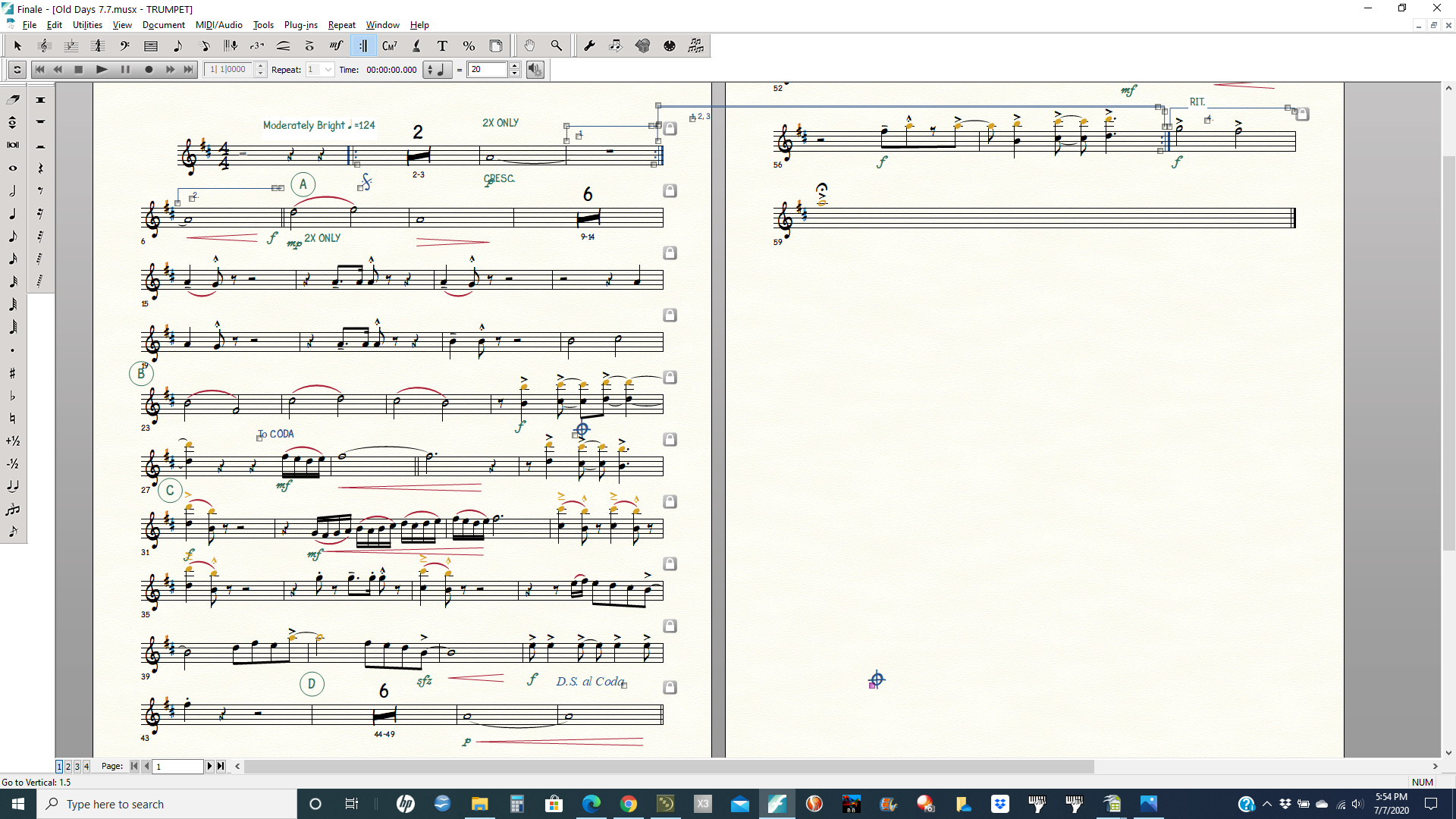
In this screen shot, notice the

1st ending on page 2

To Coda and symbol should appear at the end of Ms. 28

The Coda symbol should follow D.S.al Coda, but it's on page 2

Comment actions Permalink
Avatar
0

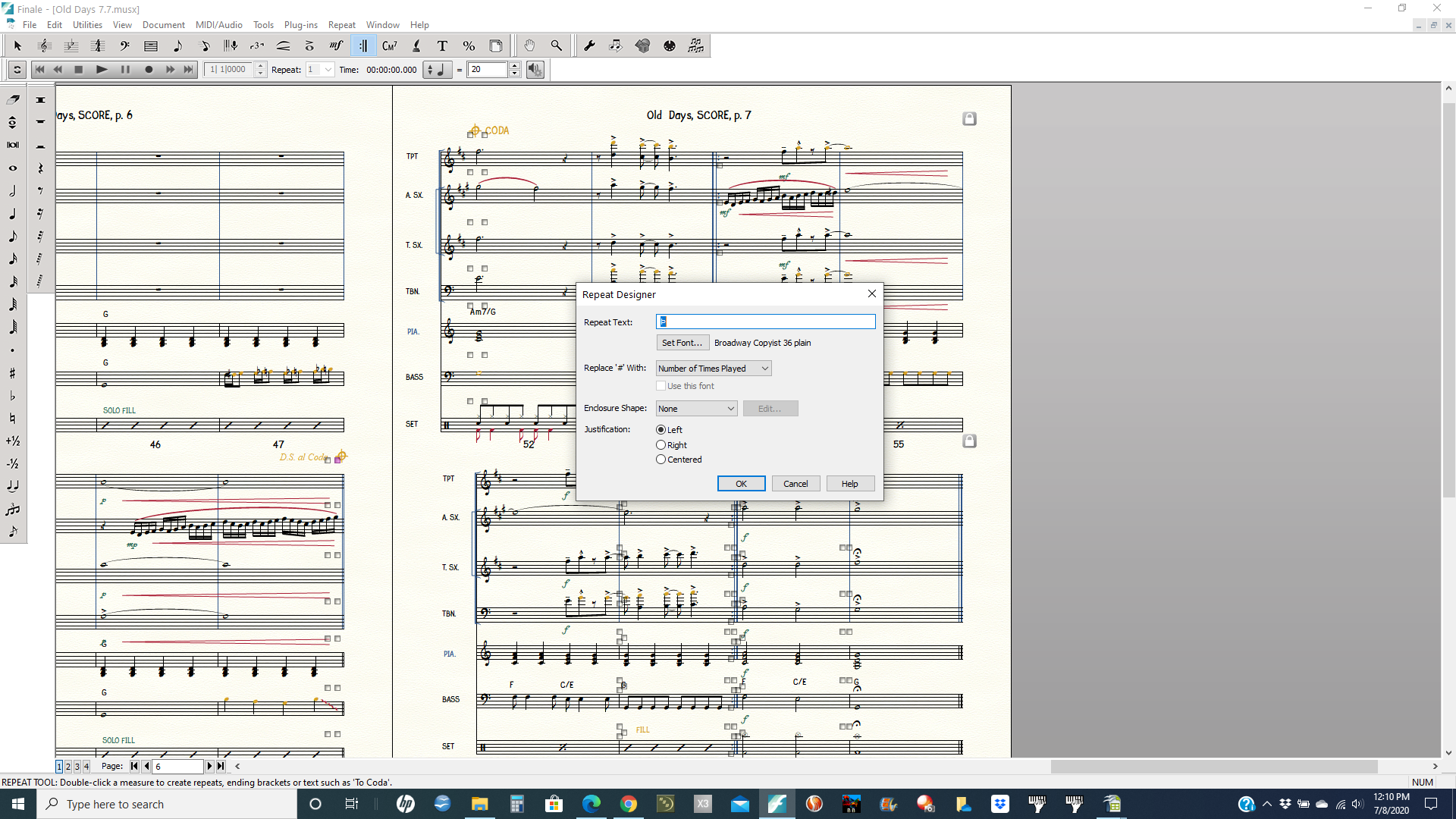
Can you post screen shots of the Repeat panel(s) you used to assign the Coda and To Coda marks?


(We'll look at the repeat endings separately. There seem to be some interference as if the repeat ending on page two is somehow connected with the first ending on page one.)

Comment actions Permalink
Avatar
0

Comment actions Permalink
Avatar
0

Comment actions Permalink
Avatar
0

Comment actions Permalink
Avatar
0

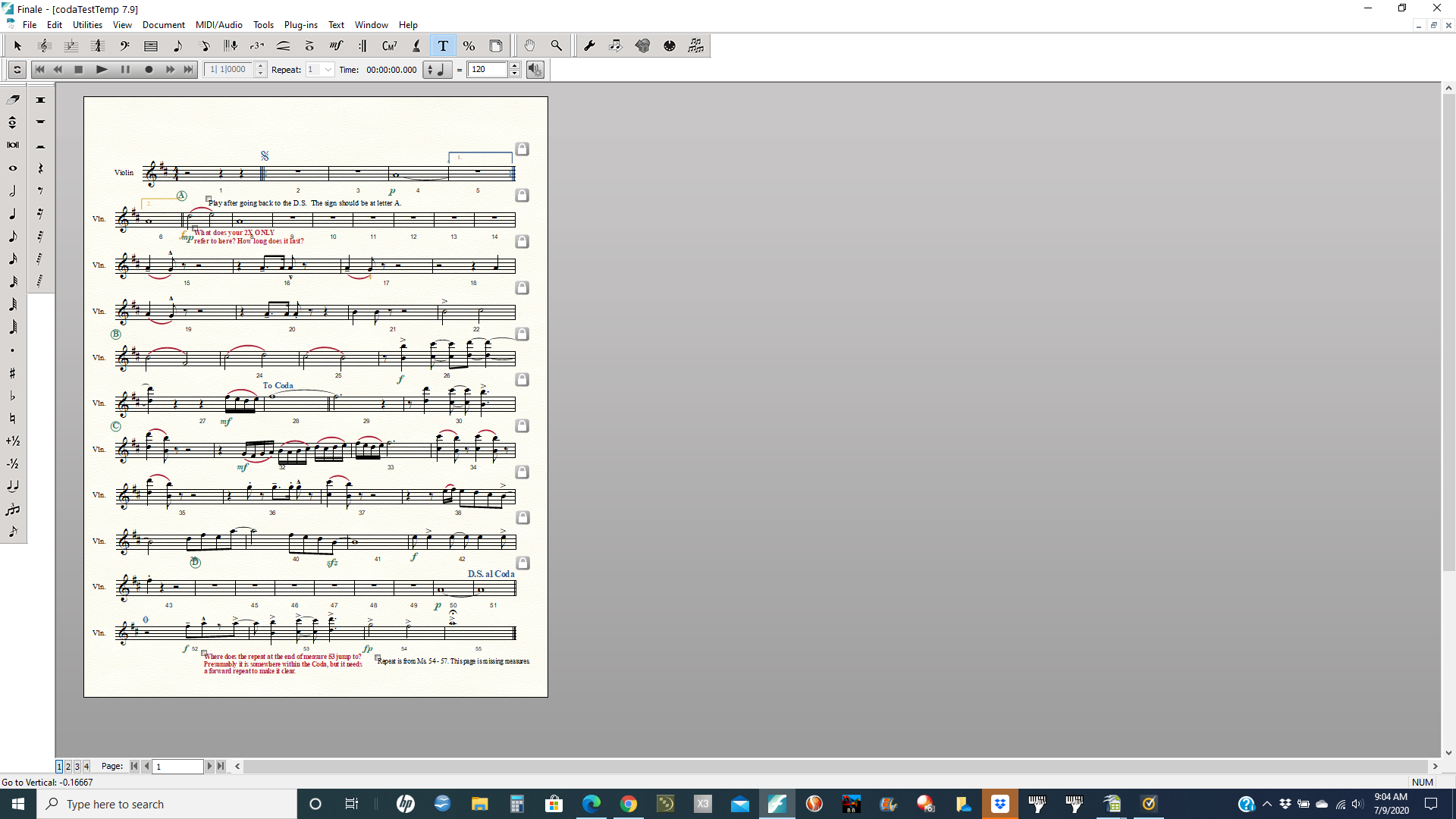
I scanned in your initial screenshot and fussed with it a bit. The Coda sequence seems to be where it should and function as it should (to the extent I understood your purpose). I have put it into a Dropbox Folder, but I note that you are using Finale 26.2 whereas my version is 26.3. I hope that will not cause difficulties.

https://www.dropbox.com/sh/uxox7umaie7jxq5/AABjjZOq1BqlPZMgEvA_ie0ua?dl=0te 


I'll leave it up for a couple of days, or until I hear from you.

Comment actions Permalink
Avatar
0

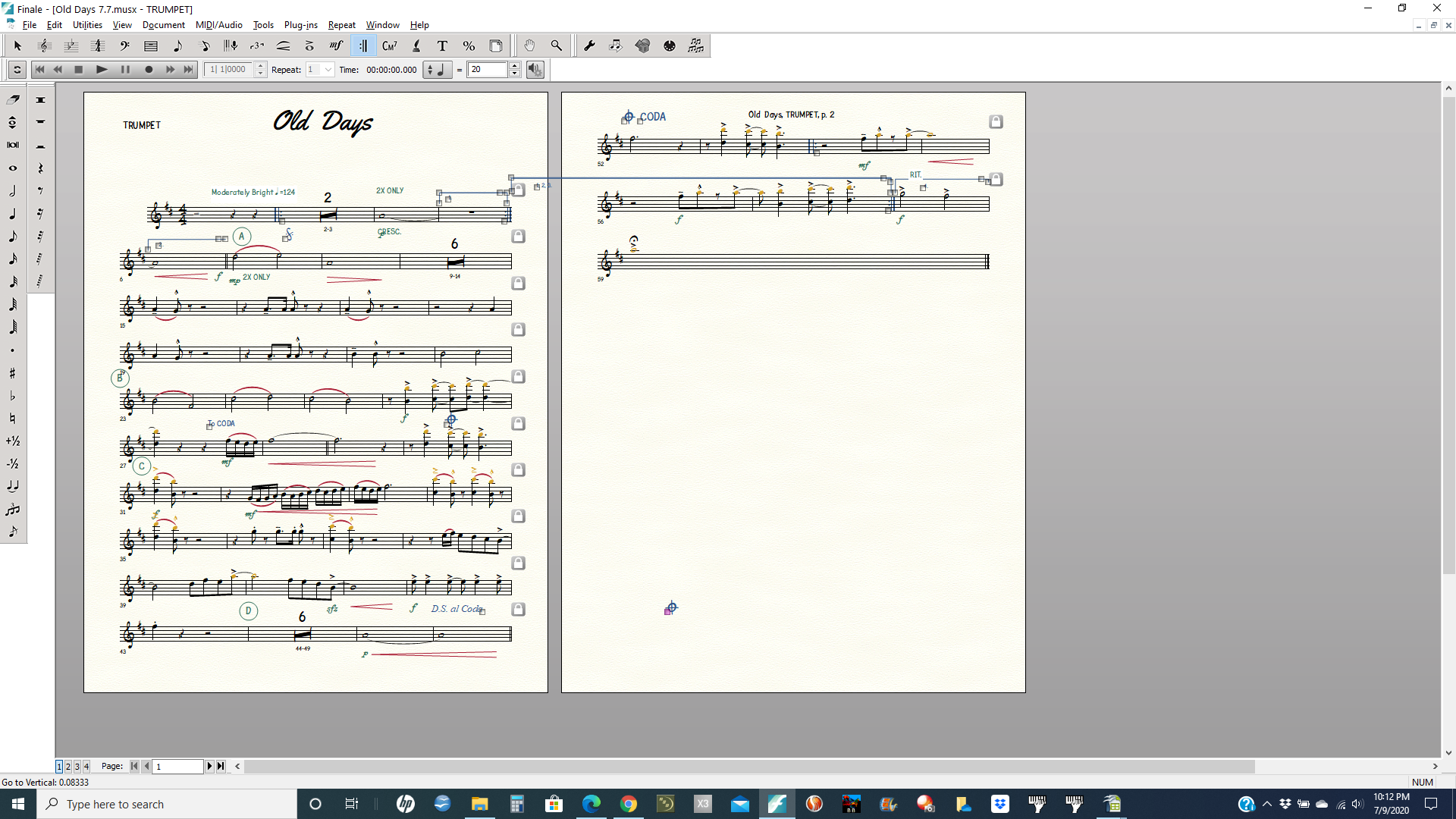
I am not sure how to put the file into a Dropbox folder and send it to you, so I sent a screen shot. Hope that works. The scanned version did not have all 59 measures.
Comment actions Permalink
Avatar
0

I have put a second version of the file in the Dropbox for you. I have moved the segno sign and added the missing measures and put the page-two repeats where I think you wanted them. (The added measures are blank, since they were off the top of the page in your screen shot. I hope looking at the Attributes boxes for the various symbols will illustrate how they work (assuming I have intuited your intentions correctly).


The Dropbox shortcut is the same as before.

Comment actions Permalink
Avatar
0


Are you saying I shouldn't use the Coda symbol  after To Coda   on the measure where the Coda is? I have always seen the symbol written this way.  I still wonder why the first ending on page two extends into page one. I know it's easy to fix, but just wondered if there was something I am doing wrong to cause this. 

Comment actions Permalink
Avatar
0

You can use the Coda symbol in both places.

The "To Coda" can of course be replaced by a Coda sign. Personally, I duplicated the symbol in the Repeat Selection window (and I have created a library which includes both Coda signs) so each of them has its own function (the first one creates a "jump" to the measure which contains the second one). I would place the "To Coda" symbol (whatever it is) and D.S., D.C. at the end of the measure.

Comment actions Permalink
Avatar
0

It is not so important what you see on the screen (which is up to you) but rather what the info panels behind the symbols say to tell you where to jump and when to jump (or in the case of the circled-cross coda-destination symbol, not to jump).

Comment actions Permalink
Avatar
0

I understand. Thank you very much for your time and expertise. 

Comment actions Permalink

Please sign in to leave a comment.