

Can't Add A Rallentando For Playback And Can't find Rulers & Grids ... spent entire day trying various old and new Finale procedures
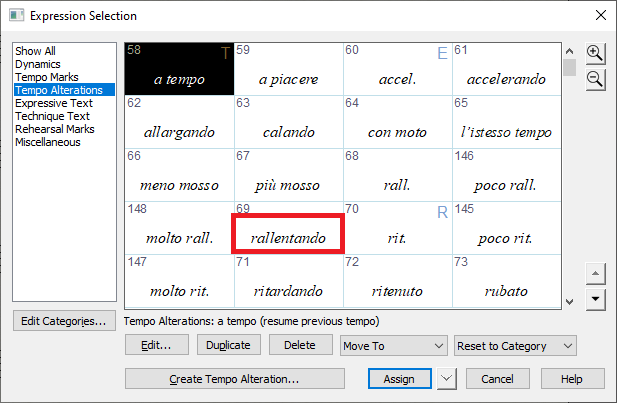
Manual reads as follows ...
3. Click Edit. The Expression Designer dialog box appears.
4. Click the Playback tab to display the playback options. Choose Type > Tempo; select Execute Shape, and click the
Execute Shape Create button. You’re now in the Shape Designer.
IN THE "EXECUTABLE" SHAPE DESIGNER, AND NOTHING FOLLOWS AS WRITTEN
ALSO I AM UNABLE TO LOCATE ANYTHING FOR RULERS AND GRID , ANYWHERE
5. Choose Shape Designer > Rulers and Grid. The Rulers and Grid dialog box appears.
6. Click Eighth Notes, type 1, and click OK. Choose Shape Designer > Show > Grid. The grid appears; each imaginary vertical grid line represents an eighth note’s duration; each horizontal line represents a tempo change of one beat per minute.
7. Choose the Line Tool . You’re about to draw a graph of the playback effect of the rallentando marking. To use the Line Tool, you drag it across the drawing area. To make your shape match the one pictured here, observe the H: and V: numbers as you move the cursor, and stop when the H: number is 4 and the V: number is –5.
8. Draw a line, as shown:


10 comments
Date Votes