

Finale 27.1 - Windows 10.
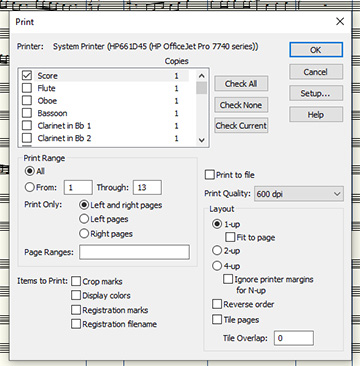
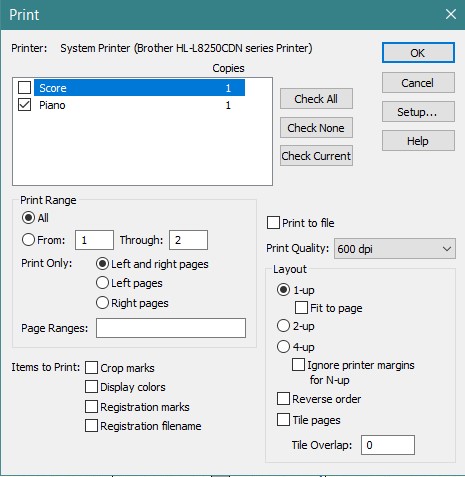
On my screen everything looks great. I hit print and the measures are not in the same locations as they are on my screen. Some scrunch up and then the last measure takes up one complete line. So I thought, OK, I'll stretch out some of the measures to force it to print more than one measure on the final line. Looks great on my screen. Hit print. Prints the same as the first time. As if I didn't make any changes at all. Is there a setting where I can click to make the printed version match what I see on the screen?
Thanks - Jean



4 comments
Date Votes