
Sometimes, certain Finale v25 installations can have troubles opening perfectly sound .musx files. This issue appears to be contained to users of Finale v25 on Windows 7. The error you receive will look something like this:
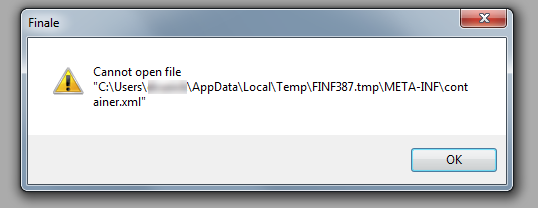
You may also receive a secondary error that looks like this:
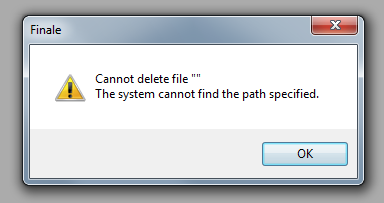
If you are receiving this error, please try opening the file in a previous version of Finale (if available), saving a new version using File > Save As, and then reopening the file in Finale (Version 25). The issue should only affect certain .musx files.
This problematic behavior has been reported to our development team and is being diagnosed. A time frame for a solution has yet to be determined, but please click the Follow button at the bottom of this article to be informed of any updates to the issue.