
This issue is caused by corrupt or missing Font Annotation files and you will see notation similar to the image below. Follow the steps here to generate new font annotation files and this will correct the issue.
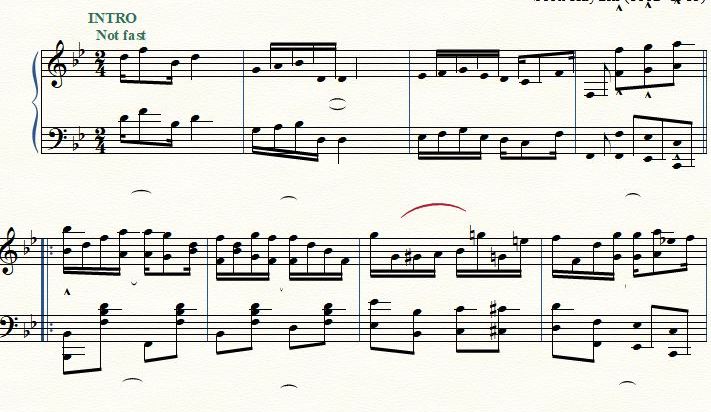
- Launch Finale.
- Go to Finale > Preferences (Mac) or Edit > Preferences (Windows).
- Then choose the Edit tab from the left.
- Select Font Annotation... The Font Annotation window opens.
- Click Auto-Annotate All.
- Click OK to close both windows.