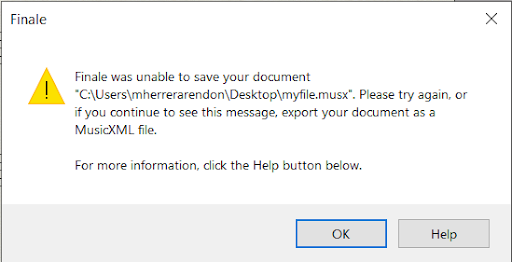
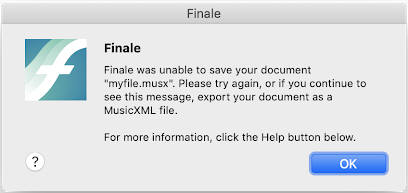
If you are prompted with the error message below, this means that Finale was unable to save your latest changes. Your original file will not be affected, so if you close your document without saving you would only lose your most recent unsaved edits.
There are a couple of things you can do to preserve the unsaved progress in your document.
- Try saving again. The issue that caused the error may have been temporary.
- Export your document to MusicXML Go to File > Export > MusicXML. This will export a new copy of the document in MusicXML file format and avoid losing any changes in the document's notation. For more information on MusicXML, please see the user manual article linked below.
https://usermanuals.finalemusic.com/FinaleMac/Content/Finale/sub-export.htm