
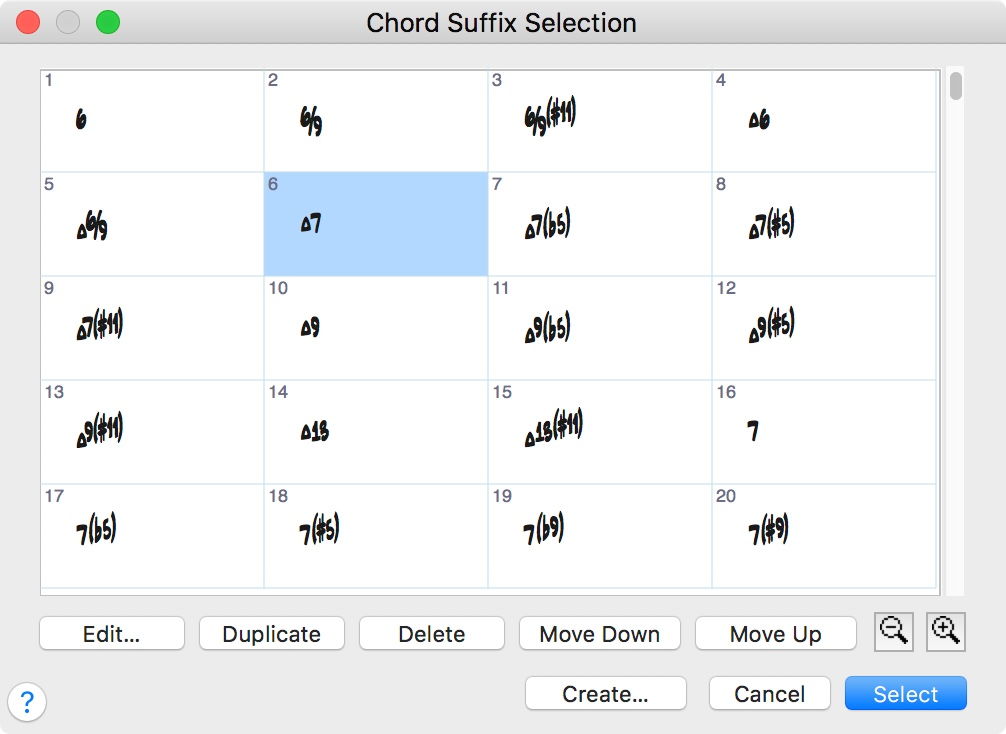
I am a jazz musician writing lead sheets on Finale Print music 2014 on a macintosh. When I try to input chord symbols Finale Print Music gives me what are technically correct chord symbols, but they are long hand and they make the chord symbol look too cluttered for my preference. For example FMAJ7. The way I want this chord to look is: F followed by a triangle and a 7. The triangle indicates the major quality in jazz notation and is much easier and quicker to read. Same with minor chords. Instead of FMIN7 I want to see: F-7 and so on. I even found a way to set the chord font to jazzcord and have keyboard shortcuts that give me what I want, but as soon as a try to continue on with another chord, the dialogue box comes up saying that it doesn't recognize the suffix and I either have to choose a longhand suffix or lose it. Is there any way to override this feature? Or to add the Jazz symbols into my suffix library? I know there was a way to do it in the full version of Finale, and I'm hoping there's a way here too. If the shortcuts exist that show me the exact chord symbols I want then I have to believe there is a way to make them stick. Thanks!




5 comments
Date Votes