New post
Avatar
0

Hi all,

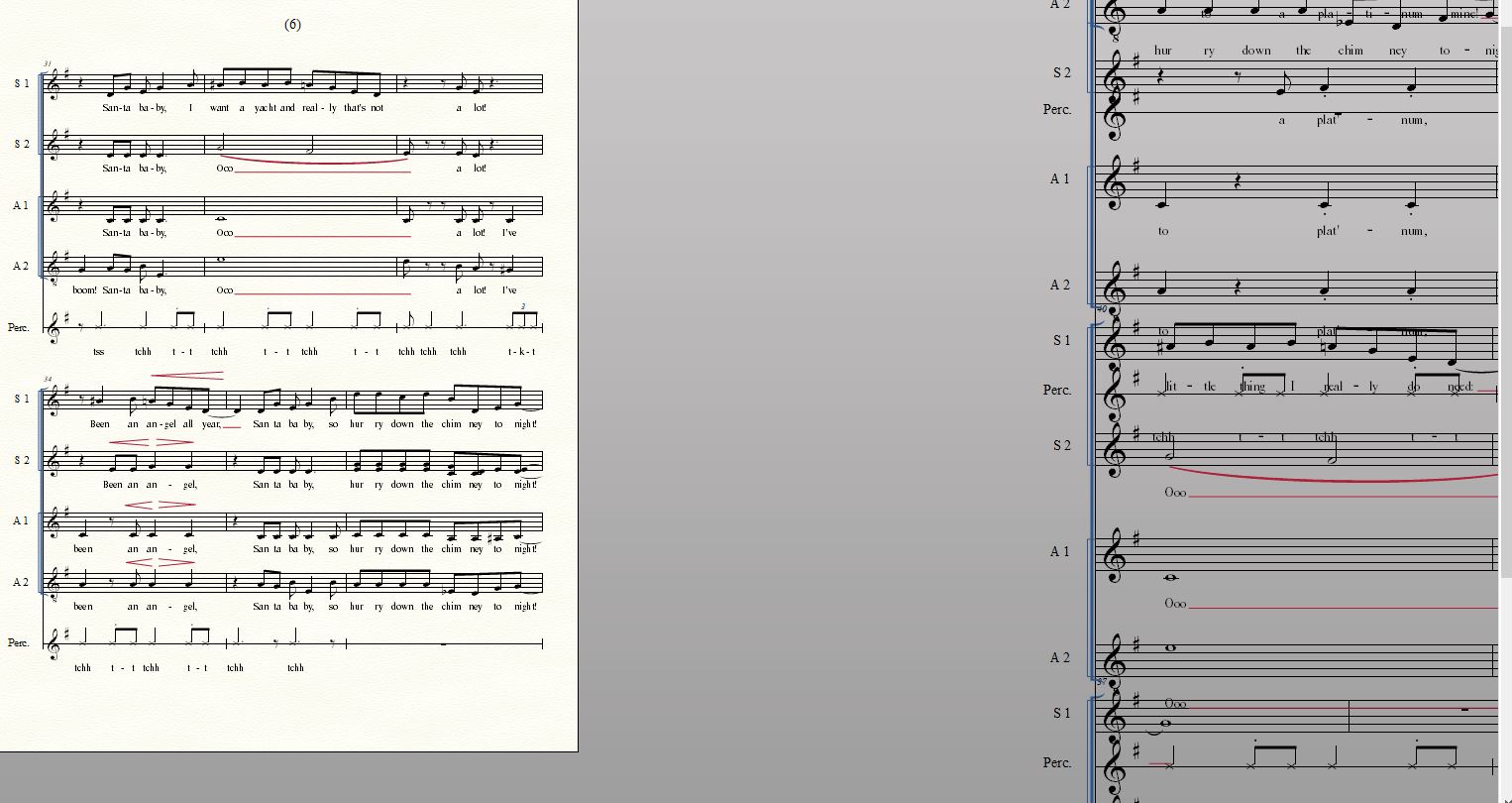
While I was editing a piece, something weird happened and suddenly everything from page 7 onward is overlapped on the same page.  Scroll view and studio view are unaffected.  Help!  Any advice much appreciated.  I'm not sure how to upload the file, but here's a screenshot:
I'm using the newest Finale (27.4.1.110) on a windows 10 machine.

Many thanks,

Robert

9 comments

Date Votes
Avatar
0

Something to try (on a backup copy!):


Document menu > Page Format > Score…

The settings in {Page for Score} are the default settings for new pages/systems.

Take a good look at the settings in {Page for Score}.

Are the settings as needed?


If the answer is ‘no’, then correct the settings.

Then proceed:


If the answer is ‘yes’, then switch to the Page Layout Tool.

Page Layout menu > Redefine Pages > All Pages of Current Part/Score

This redefining should separate the pages in Page View.

Comment actions Permalink
Avatar
0

Thanks for the quick reply, Peter!

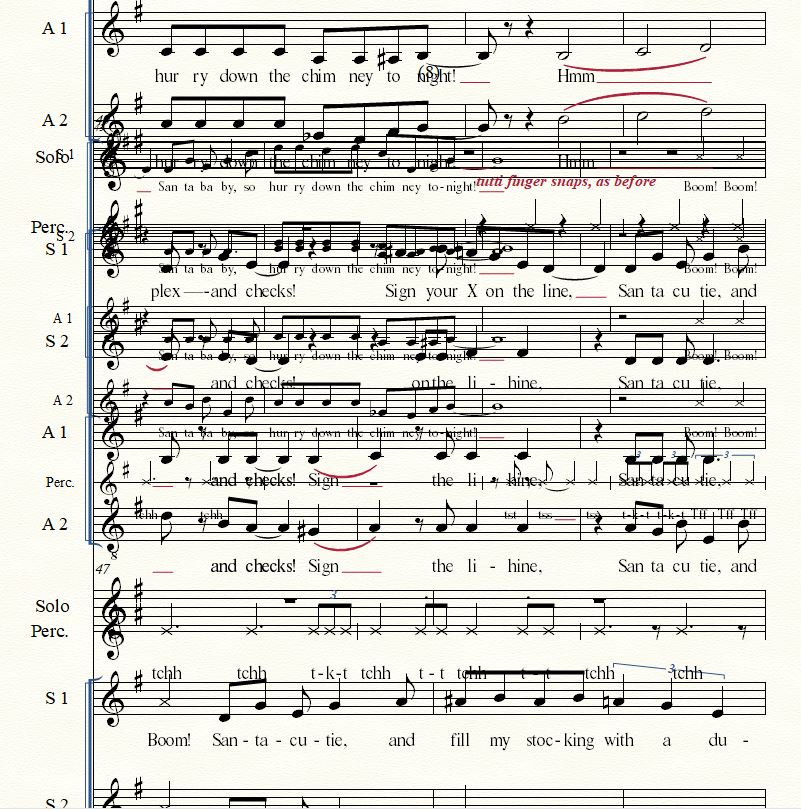
I've checked the {Page for Score} settings and they looked fine.  Unfortunately, redefining the pages did not solve the problem.  However, I've just noticed that the problem shifts around depending on the zoom setting... for example, at this setting the errant systems are off to the right, as if floating in space without any page at all:

So I'm wondering if maybe this isn't a Page Layout problem, but a System Placement problem?  Any thoughts?

Gratefully,

Robert

Comment actions Permalink
Avatar
0

This may be a zoom percentage problem, or a screen rendering problem.


What Page View Style are you using?

Have you tried {Looseleaf Style: Current Page Only}?


What zoom percentages are you using?

Have you tried simple percentages, like 100%, or 200% ?

Comment actions Permalink
Avatar
0

How does it print? If it prints correctly it is a monitor/computer issue.

You can't u/l a file to the forum but I will look at it for you if you want me to. My email is e e biggs one at gmail dot com.

Using conventual email nomenclature and the number 1 instead of one. No spaces.

Comment actions Permalink
Avatar
0

Hi Peter and Ernest,

Grateful as always for the wisdom...

1)  standard zoom percentages make no difference

2)  looseleaf style, current page is still a mess... but at least suggests that all the wayward staves are somehow linked to p. 6 in the document.  (And when printing, Finale recognizes only 6 existing pages.)  Interestingly, with that page view style the staves extend off both the top and the bottom of the page.

3)  printing produces the same mess I see on the screen

Ernest, I may take you up on that kind offer.... email coming soon!

Comment actions Permalink
Avatar
0

OK, no guarantees just I'll see if I can find a cause.

Comment actions Permalink
Avatar
0
Comment actions Permalink
Avatar
1

Thank you, Mike -- apologies that I just saw this!

Comment actions Permalink
Avatar
0

No apologies necessary — we're just trying to help around here.


Set your desired page size first then re-size and/or re-space to fit.

Comment actions Permalink

Please sign in to leave a comment.