New post
Avatar
0

Finale 2012, Windows 10

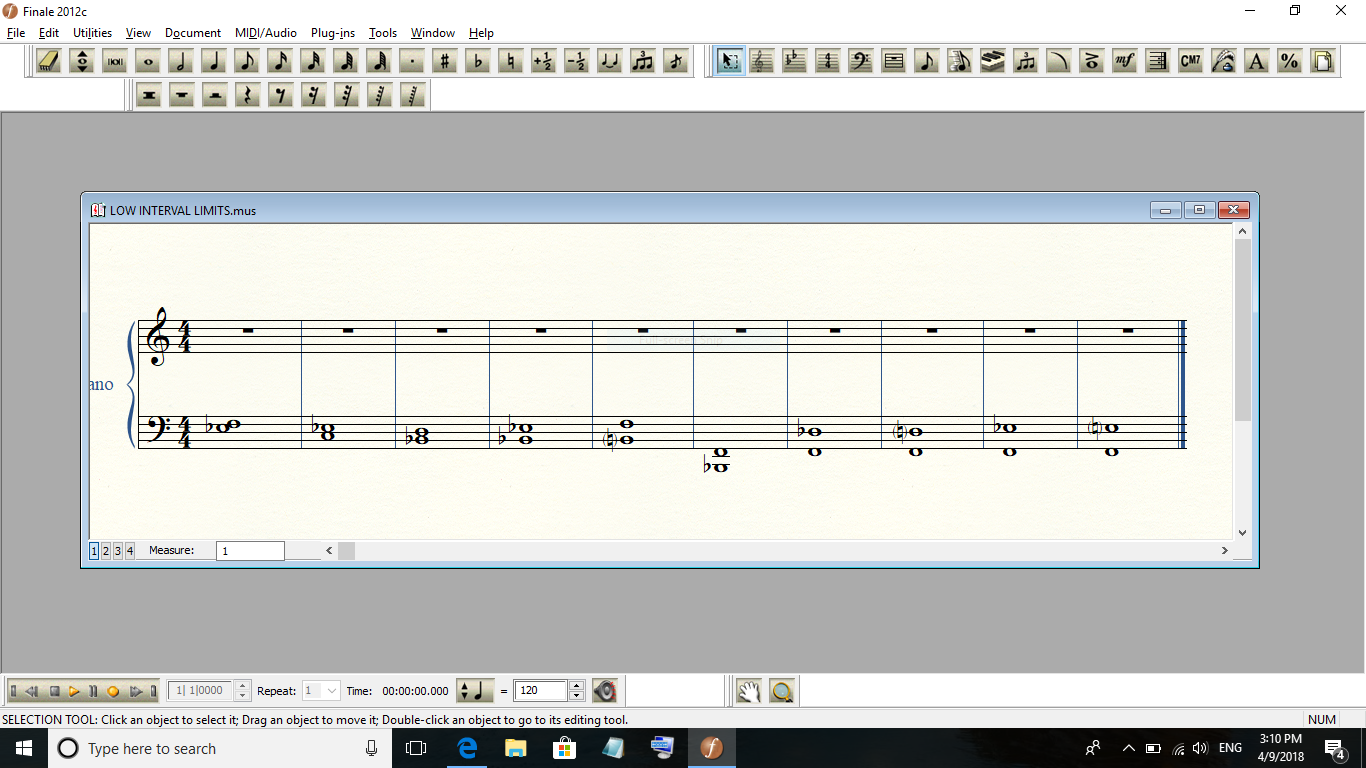
  Lately, when I open a file, the screen is minimized, shown below.  I can't find the remedy in the documentation, Preferences/Open doesn't address it, and nothing in the View options looks like it would work, either.  Of course, I only have to hit the Maximize button, and it fills the screen, but it's not part of my usual workflow.

  Suggestions?
3 comments

Date Votes
Avatar
0

I don't think that Finale 2012 is supported anymore. It isn't on the Mac.

Comment actions Permalink
Avatar
0

If the problem is the size of the main window, enlarge it manually and save preferences (File menu).

Comment actions Permalink
Avatar
0

Yes, I already tried that.  It doesn't work today, either.

Comment actions Permalink

Please sign in to leave a comment.