New post
Avatar
0

Hi experts,

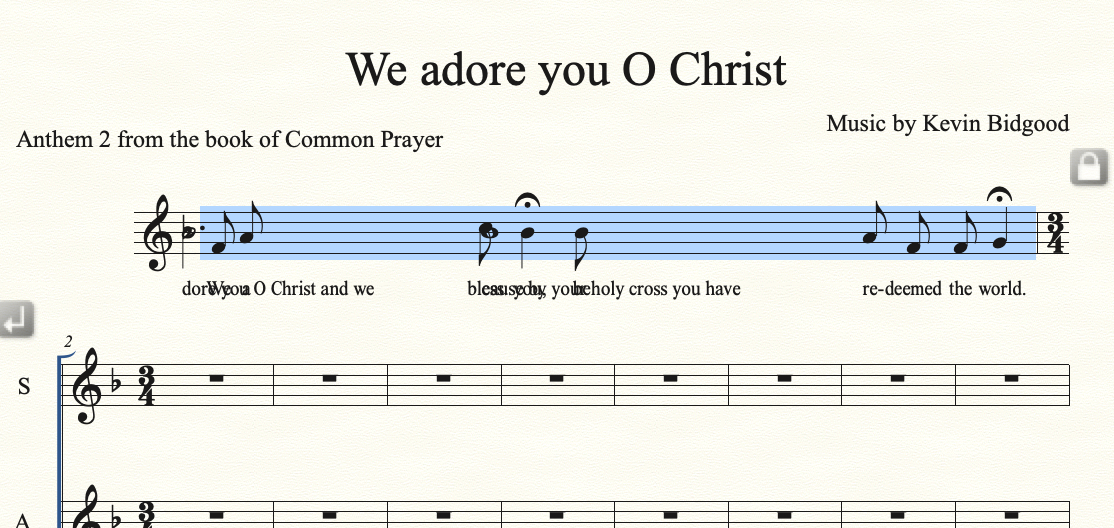
I'm creating a piece of music combining chant and SATB. For the chant (in measure 1) I've used a 25/8 time signature for one measure and it looks great. Then for measure 2 (and beyond) I want to change the key signature to 3/4 and it totally messes up measure 1. What to do?

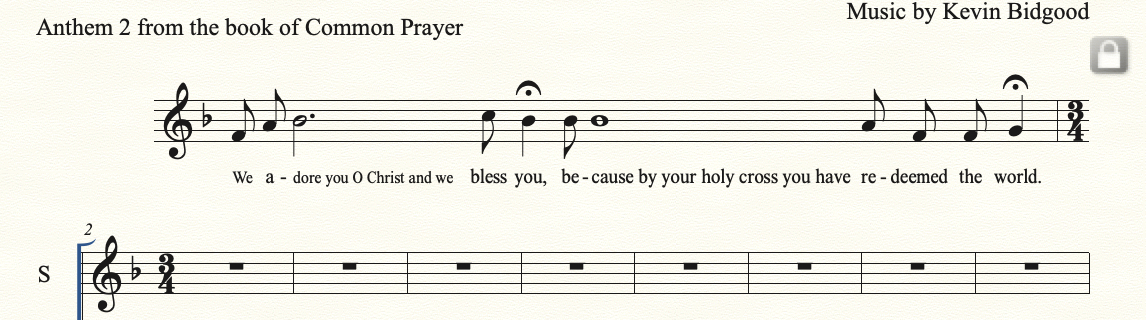
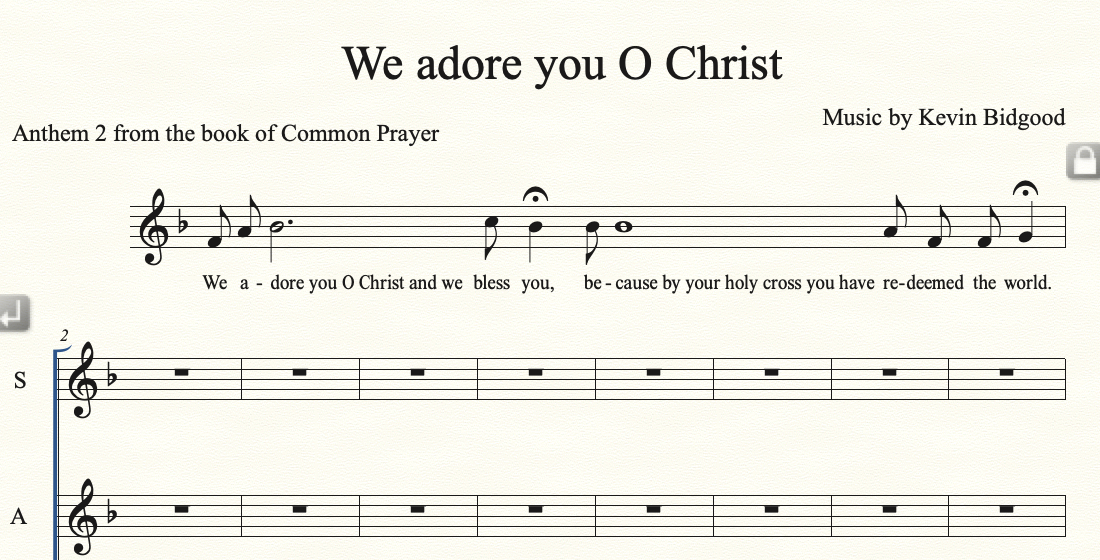
Before adding the time signature..
After adding the 3/4 time signature...
8 comments

Date Votes
Avatar
0

Did you apply music spacing/update layout?

Comment actions Permalink
Avatar
0

Thank you Mike
I did not. Where would that be?

Comment actions Permalink
Avatar
0

To apply Music Spacing:

Selection Tool.

Select the desired region.

Utilities menu > Music Spacing > …


To update Layout:

Utilities menu > Update Layout

Comment actions Permalink
Avatar
0

Hi Mike and Peter


I tried both of those suggestions, but upon using the music spacing options, the measure reverted to the mess that you see in the second image.

Maybe I need a new technique? Simply put, all I want to be able to do is to write a number of words or syllables under a single note, and o then left justify the words. e.g., under the dotted half b flat in the first part of the measure. Finale always wants to center justify lyrics under a note, and the Alignment and Justification options under the lyric menu are greyed out. I was able to get it to look the way it does, by playing with Lyrics/Edit Word extensions. But it seems that subsequent commands have an impact.

Grateful for any thoughts..


Kevin


Comment actions Permalink
Avatar
0

I see 2 possibilities.

1. In your music spacing options, you need to check mark "lyrics" so they are taken in consideration when spacing the music.


2. If you manually spaced measure 1, then you need to uncheck "automatic music spacing". With this checked, it will override your manual spacing. If this is the case, then manually apply music spacing to just the measures you need and do not respace measures which have been manually spaced.

Comment actions Permalink
Avatar
0

I hope you have entered the lyrics under the whole note by typing a word, then hitting alt-spacebar to put in a space after the word without moving to the next note, then type the next word. This makes it easy.

All you do after that is in the Lyric Tool choose "Adjust Syllables". Control-click (or right click) the handle and choose "Left-align". This will make it look as you wanted. This should survive a music spacing command. I always try to make edits that will survive a music spacing.

If you have done some other kind of kludge to get the original spacing, I don't know how to help you without knowing what that was.

Comment actions Permalink
Avatar
0

Hi Christopher,

This was perfect. I had used the hard space, but didn't realize how the lyric handles worked. Thank you.

Comment actions Permalink
Avatar
0

Hi Kevin,
I'm glad I could help. But in your new example, the first eight syllables seem to be in a slightly smaller point size than the rest (10 point instead of 12?) except for the "a" in "a-dore". You can change the size of all lyrics at once in the Lyric Window by selecting all and choosing the size from the text menu.

And this next point might be one of personal choice, but I would have beamed the first two 8ths together, and also "deemed the", but leave "re-" unbeamed. This reflects normal accents in English. Separately flagged 8th notes is old-fashioned, but valid.

Comment actions Permalink

Please sign in to leave a comment.