New post
Avatar
0

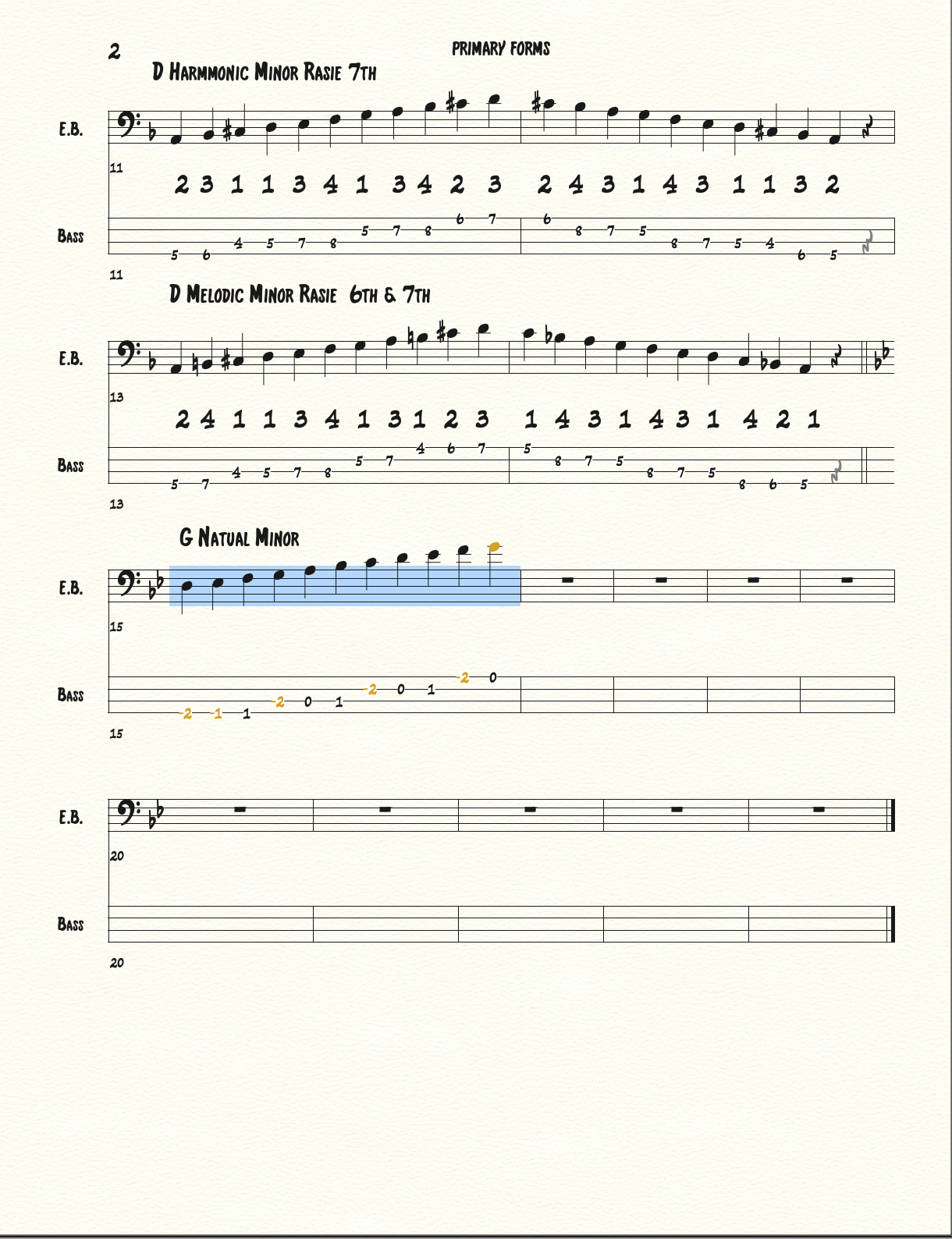
Hi.  I am using Finale 14.5 and when I put tabs in for guitar it seems to be transposing the tabs down an octave automatically.  I am writing higher guitar parts e.g on the 10th-15th frets but they come out as 1st-3rd frets etc.  I see this has been discussed before but no solution offered can any one help please?  J

11 comments

Date Votes
Avatar
0

Hi, Me again to answer my own issue then we can help some one else.  I worked this out by following various links.  Go into 'edit' then 'prefs' then 'edit' in each section.  Look for 'respect instrument ranges' and de-select this box.  It has worked wonderfully and my guitar tabs are correct.  Hope this helps some one.  J

Comment actions Permalink
Avatar
0

In the "edit" drop down, there is no such choice as "preferences."

Comment actions Permalink
Avatar
0

Hi Tom,  if I log into my Finale,  Just beside 'file' on the left is 'edit' option.  Click on that and right at the bottom below 'enharmonic spelling' and 'measurement units' is 'preferences'.

Comment actions Permalink
Avatar
0

You must have a newer version. I'm using Finale Allegro 2007, and at the bottom of "edit" is "program options" which does not include anyhting ike what you are describing. in the past I was able to click on the note type, put the cursor over the TAB fret number and simply change the number, but that doesn't work.

Comment actions Permalink
Avatar
0

Hi Tom, yes, I am using a newer version.  Full Finale v26 which I had just upgraded.  Sorry about that.

Comment actions Permalink
Avatar
0

This may be a good time to remind folks that, using the pull-down menu behind your name at the very top of the screen, you can go to edit your profile and add a signature file containing the version of Finale and your computer operating system version so that anyone reading your messages will know what equipment and software you are talking or asking about.


Most of the info in your Edit Profile box is fixed, but one box (Description) is open for you to enter your info in, and this is what you see at the bottom of many of our posts.

Comment actions Permalink
Avatar
0

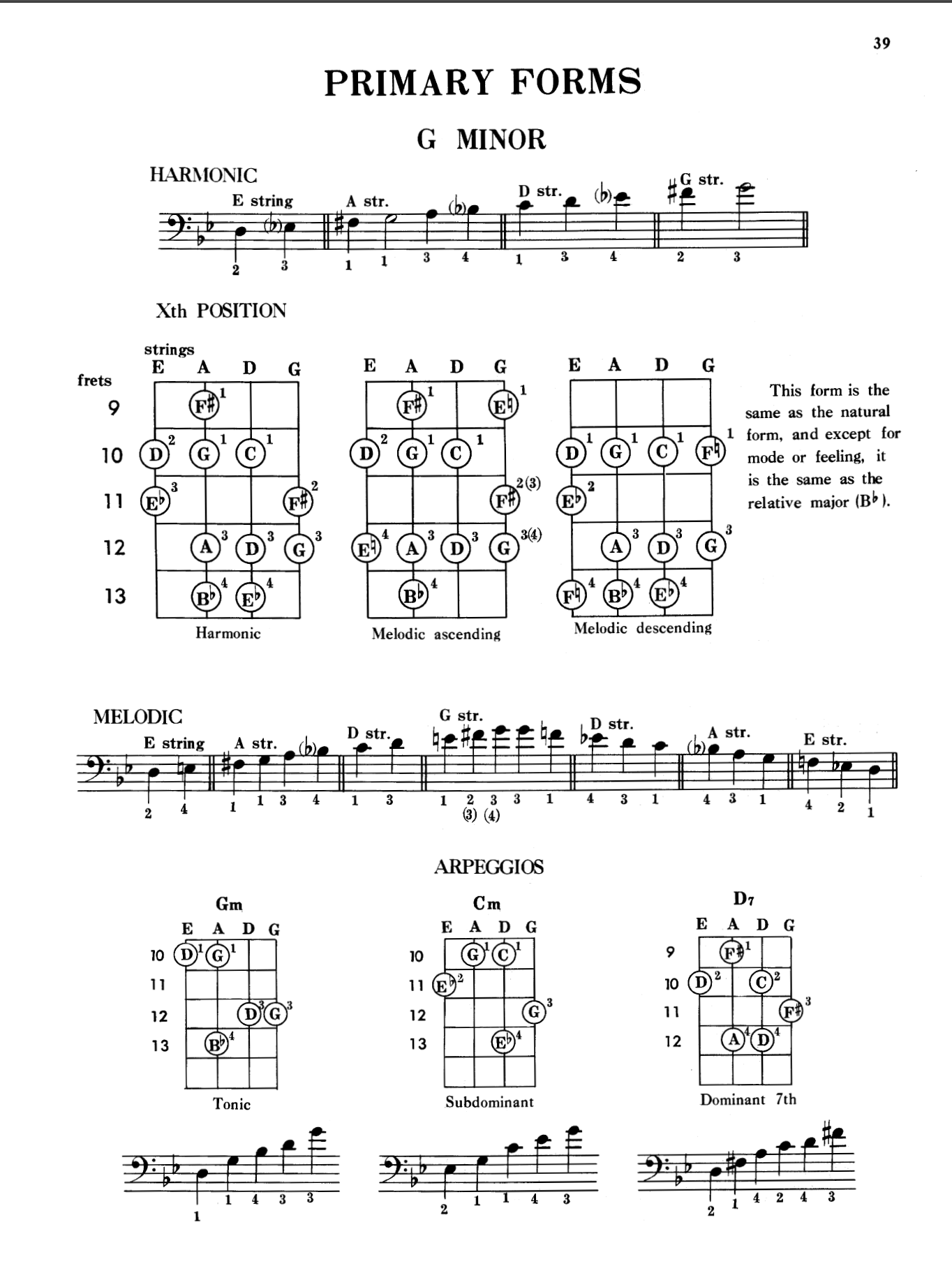
I was wondering if anyone could explain to me or how to make sure the if I was writing a note or notes in G minor starting on the 10th fret which is D on the E string up to G on the G string which is the 12th fret so how do you make sure in finale v25 that you make sure you're going from example G Minor from low G on a E string up to a high G or a G string.

Comment actions Permalink
Avatar
0

Darnice (Don) Linton,


It looks like the scale was transposed down by an octave, when it was copied to the TAB staff.


Take a look in Preferences - Edit.


Is the option {Respect Instrument Ranges when Copying or Changing Instruments} selected or de-selected?

Comment actions Permalink
Avatar
-3


It sounds like you're experiencing a frustrating issue with Finale 14.5 transposing guitar tabs down an octave automatically. I hope one of those suggestions resolves the problem for you so you can continue writing your guitar parts accurately and efficiently!


Comment actions Permalink
Avatar
0

Hi Bridget.  Thanks for this.  Problem solved... again.  This has happened before but I had forgotten the solution.  Much appreciated.

Comment actions Permalink
Avatar
0

Bridget strikes again!

Comment actions Permalink

Please sign in to leave a comment.