OS X 10.11.6
Finale 25.1
Cannot get the clef change to give me a handle.


Hi Peter,
I'm afraid I am still having some trouble with the finer details of what you are experiencing. When I choose the Clef tool and create a mid-measure clef using a metatool this is what I see:
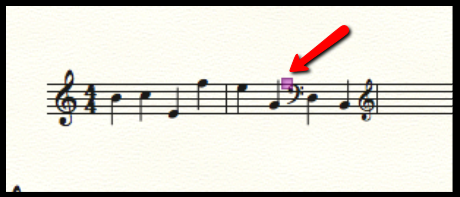
Is that what you are not seeing? If so, I would be curious to see what your screen looks like when you have the Clef tool selected and have created a mid-measure clef.
Could you possibly update us with that info?

Hi Charles,
Mid-measure clef changes are available in Finale 2014.5 as well. The metatool you would use to create a mid-measure bass clef is 4. So, using the Clef tool, you would highlight the region where you wish the mid-measure clef change to begin (so starting from the D and heading to the right in the example above), and then you would press the number 4 on your computer keyboard's number row.
Here is a user manual article on mid-measure clefs: https://usermanuals.finalemusic.com/Finale2014Mac/Content/Finale/Clefs.htm#Inserting_a_mid_measure_clef_change.
You can view what metatools are assigned to which clefs in your document by choosing the Clef tool and double-clicking a measure to open the Change Clef dialog box. They are the numbers and letters in parentheses in the upper, left-hand corner of each clef option.

Hi Charles,
This can happen if you are starting the click and drag motion from within, or too close to a staff. Try to start from outside the staff as depicted below:
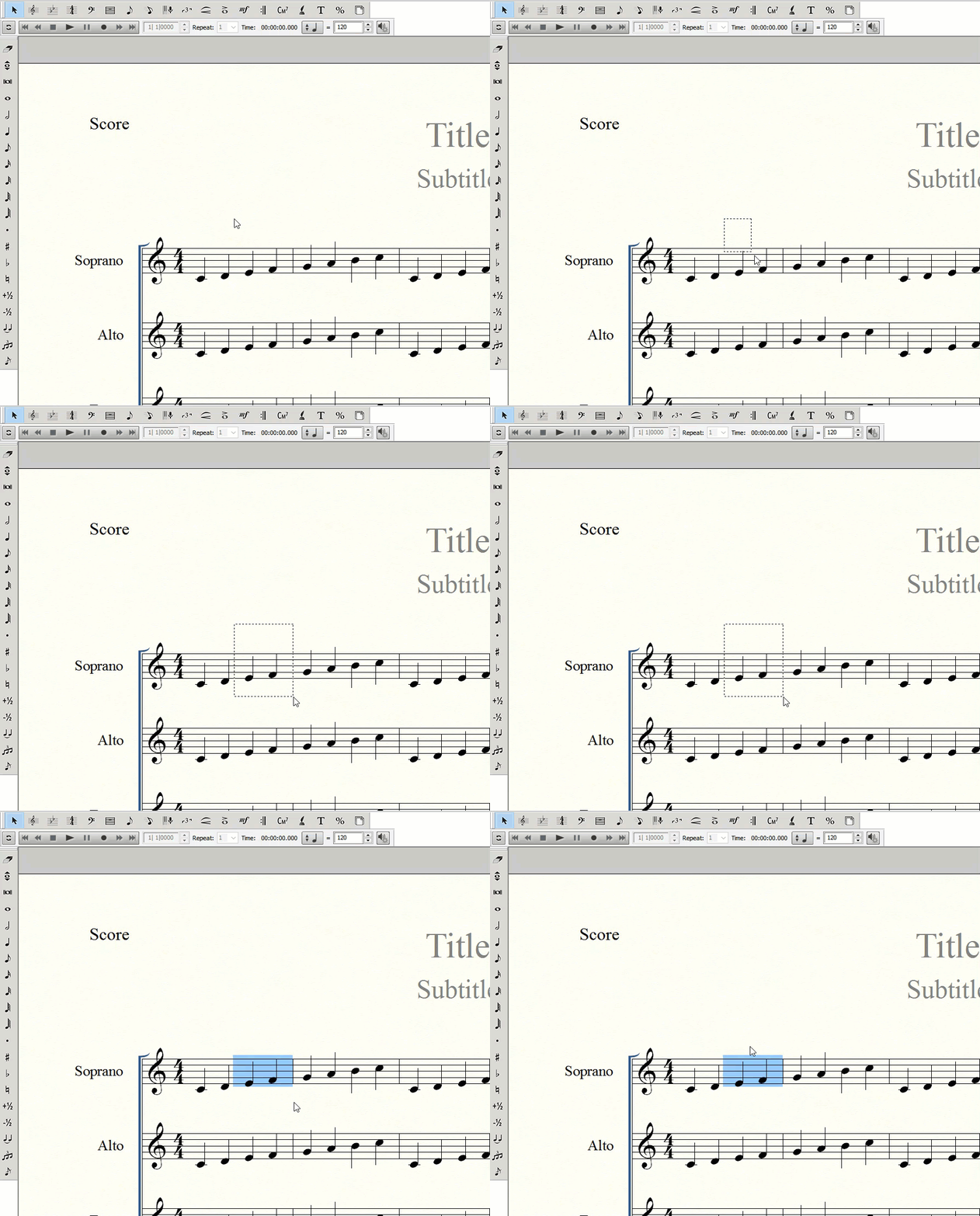
If this doesn't work, you may want to contact our Customer Success team directly using the Submit a request link at the top of this page so we can take a closer look.

Hi I'm having the same problem as this poster. Even when I select the portion of the measure with the clef I want to change no handle for the clef is provided. I also generally have buggy experience with the clef tool, even for when I'm trying to do whole measures. I needed measures 1:1 - 4:3 to be bass clef as opposed to the default treble, and despite trying both manually selecting those portions with the click+drag method you describe, as well as punching in the numbers in the dialog box, the result is that it only gives me bass clef for 1:1 - 3:4 (at measure 4 it changes back to treble, against my request otherwise). I thought I could possibly just move the clef manually, that's when I encountered this problem that I'm not provided with a handle, try as I might. So help with both issues would be greatly appreciated. I'm running Finale 25.4.1.163.
Thanks.
EDIT TO ADD: I dug a little more and found this: https://makemusic.zendesk.com/hc/en-us/community/posts/218569308-Position-of-mid-measure-clef-changes
I have been using Finale for over 15 years and didn't know there was a difference between selecting clef tool from the tool palate (assigning everything using double clicks and dialogue boxes), vs using something called a metatool (when IN clef tool, I clicked 4 on my selected measure portion to insert the bass clef symbol where I needed it, AND it had a handle!). Still don't understand why there's no handle for the clef when I've inserted it without the metatool though. That's really frustrating.
(I had to edit this post a little bit more from what I originally wrote, because my manner of describing really stinks today. Sorry. Hope what I'm saying makes some kind of sense.)


Please sign in to leave a comment.
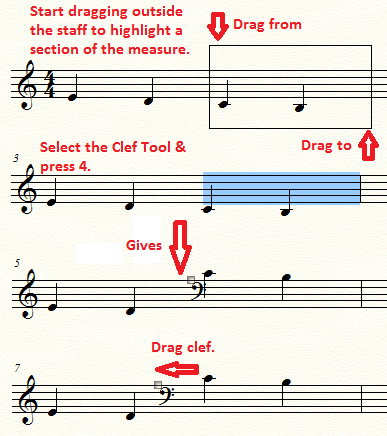
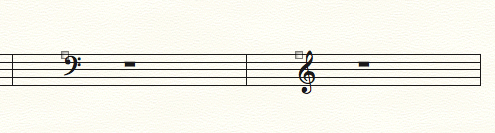
19 comments
Date Votes