is it possible?
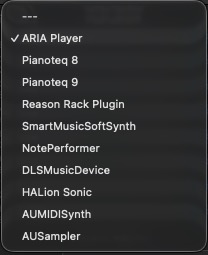
I tried su suggested on MakeMusic site but GPO5 and GIFF stil remain in the sound map priority choices...


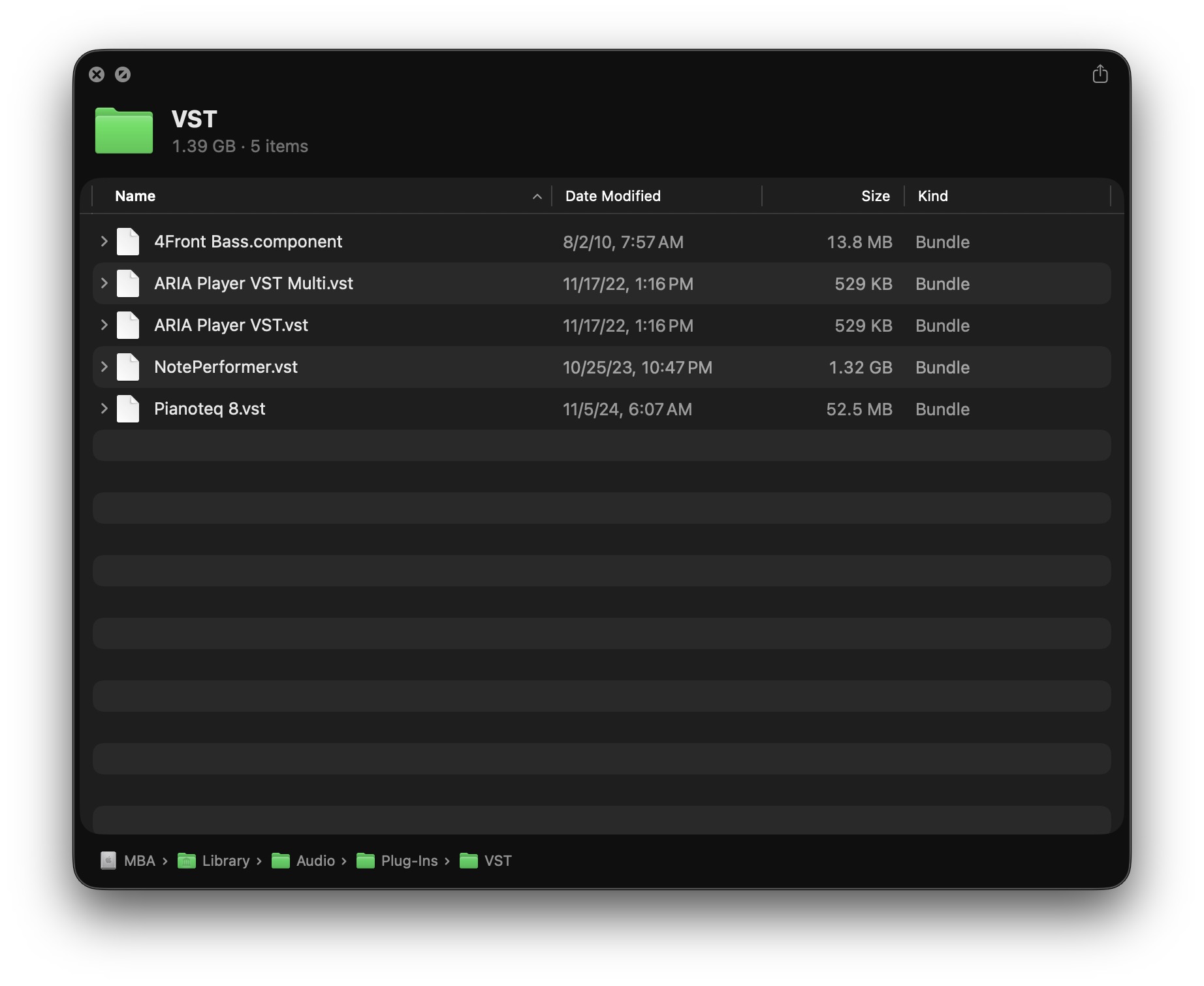
Go to /Library/Audio/VST and delete them. That should hopefully do it after a restart. I only know this because I had completely deleted Finale and reinstalled for future use, but didn't need GPO or GPO5. I did not reinstall the ARIA player, but still have them in my VST folder, so they come up, but not GPO etc. Also check the other folders there, like VST3, etc.

The soundmaps are in the application support folders. On a Mac, it's:
/Library/Application Support/MakeMusic/Finale 27/Data/
NB, this is the root level library, not the user library. (Near where Finale's plug-ins are installed.)
On Windows, it will be %APPDATA ... something. Sorry.

Garritan is still installed on my system but I haven't used it in years. I neither know nor care if it works anymore.
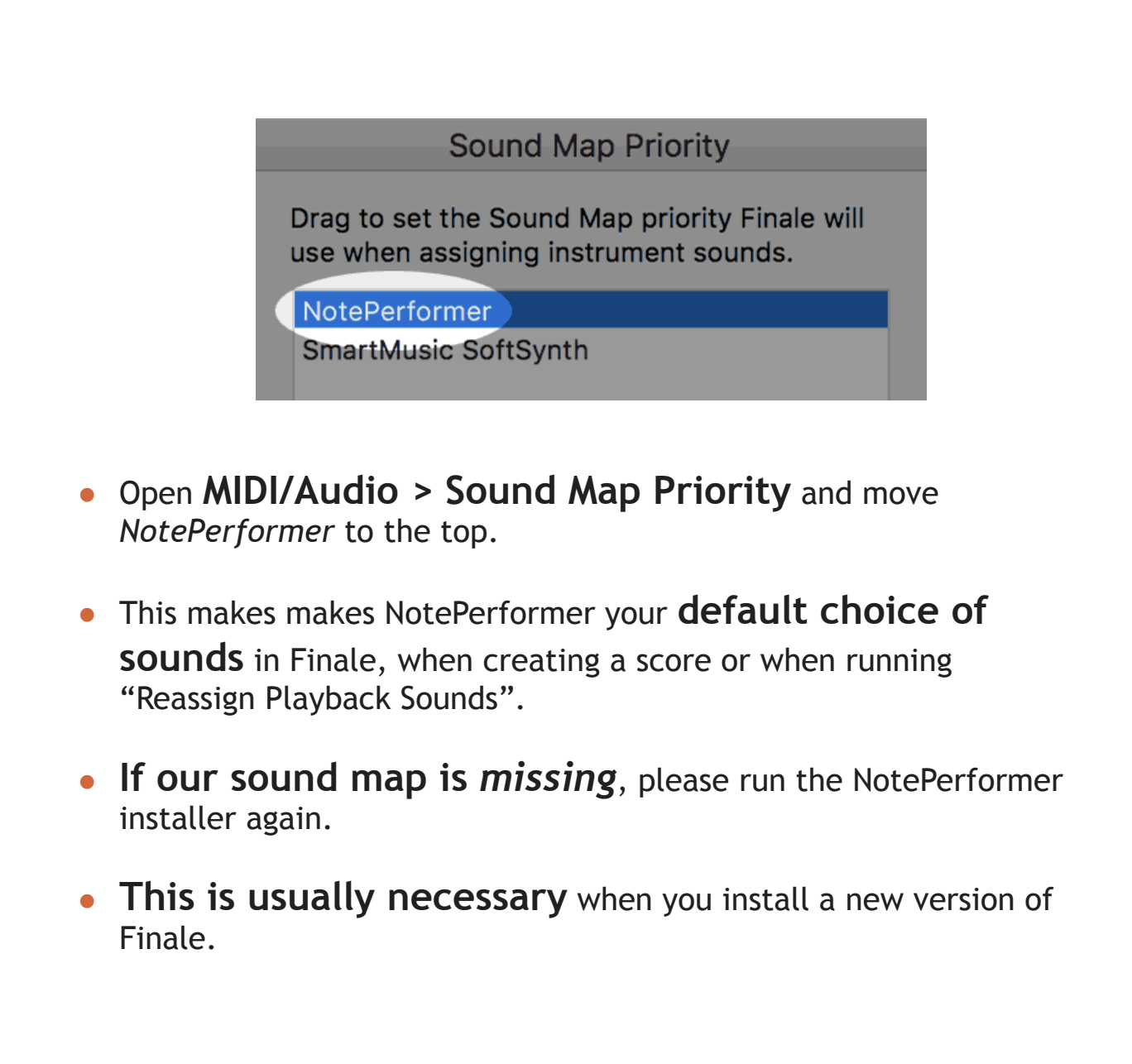
Per NotePerformer manual, just drag it to the top of the Soundmap Priority list. When I switch to Audio Units, NP loads automatically — or is supposed to. Around one in twenty-five times, it won't. When that happens, the quickest workaround is to Save, Quit and Restart Finale. No need to reboot.
Please sign in to leave a comment.
4 comments
Date Votes