Upgraded to Finale 25.1.0.232 (Mac) and now sections of or full pages disappear when editing in page mode. Any help?


HI Peter,
The computer monitor is fine. It displays this no matter where on the screen I position the FInale Window. If it was a screen/monitor issue, when I moved the Finale window, the error would not follow the FInale Window, it would remain where the FInale Window used to be positioned.
If I set to Looseleat Style: Current Page Only, I see the page fine. However if I shrink the Finale Window, then the page is empty again: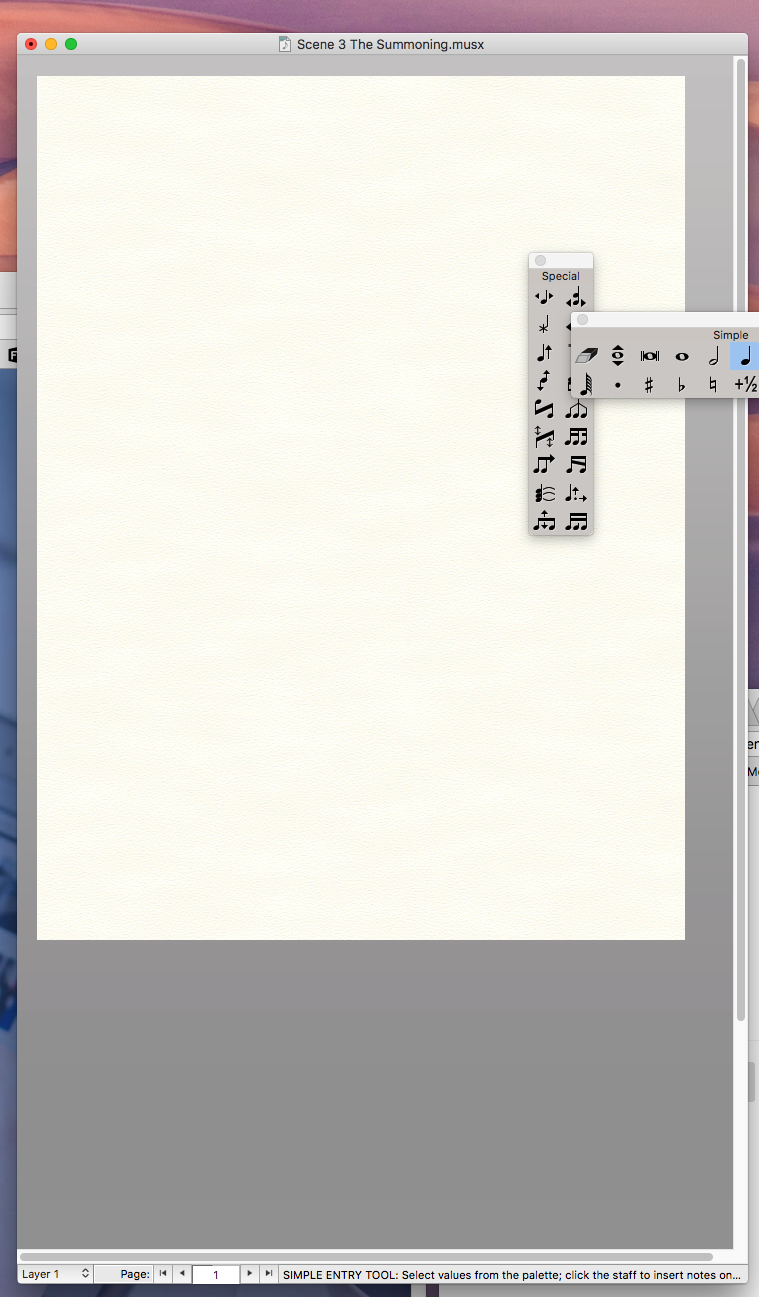
Re-widening the Finale Window at this point does nothing, the page remains blank.
If I select a tool, then I see the handles for the related tool, but nothing else:
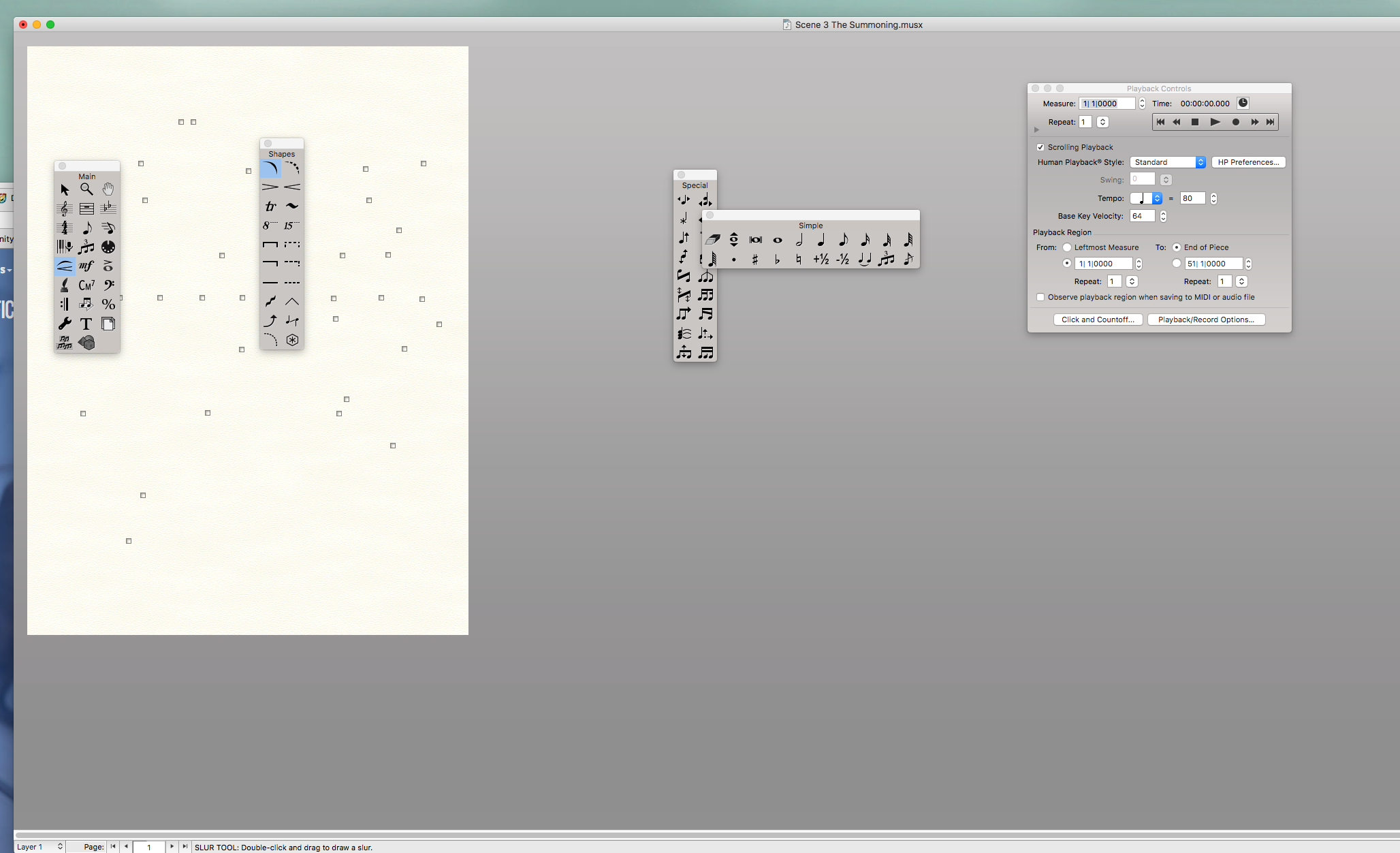
This file was originally made on 2014, but has since been saved to 25.5. However, I do not experience this on other files saved with 2014 originally.
… if I shrink the Finale Window, then the page is empty …
Then perhaps the “window shrinking” is the culprit.
As a test (not as a solution), try this:
In the Finale Preferences, choose a default zoom percentage for new windows (e. g. 200 %).
Open a new document, and adjust the document window’s height and width to fit exactly to the page at the chosen zoom percentage.
You might also like to save a Bookmark of Page 1, with positioning coordinates so that the bookmark positions the page precisely in the window (= set both Horizontal and Vertical to zero).
Save the Preferences. This step will save the window’s size and positioning on the screen.
Save the document, and close it.
Open the document again, and go to the bookmark you saved.
Now the page should fit precisely in the window, displaying at the default zoom percentage.
* Is the page now blank - or is it displaying everything normally?

Hi Again Peter,
With your test, using 200%, the page looks fine. It also looks fine if I put it back to Book: Row for the Page View Style.
However, if I put it back to 100% view, the page goes blank again. If I then return to 200%, it is again fine in single page or Row view, and also fine if I scroll so the page is not visible and scroll back. At 100% if I scroll past the page and scroll back, it is blank.
BTW I found this article from a year ago:
https://makemusic.zendesk.com/hc/en-us/articles/115004588428?input_string=blank+first+page
My first page happens to have beamed grace note figures.

None of this solved my issues. Several files were starting to ALL have missing (blank) pages. I tried everything. Well, almost everything.
In troubleshooting, I suspected an entry was causing the entire pages, or most of the pages to disappear. So I used Clear Selected Items and deleted ALL except notes. Same result. So I selected Delete ALL from the same menu item (Clear Selected Items) and only selected "Tuplet Definitions" and "Cross Staff Notes" and that solved it. Progress. To put a fine point on it, I tried the two items separately, and it was the tuplet definitions that was causing the pages to go blank.
So at least I have the music back to edit and correct. There were some more complex tuplets and many were entered as grace notes, as one does when writing a cadenza, for example.
So there it is, yet another way to fix blank pages... sometimes.
Please sign in to leave a comment.
14 comments
Date Votes